· 1 min read
v1.3.2 Update: Improved UI and Metronome, Bug Fixes and New Annotation Tools
MidiStickers v1.3.2 brings UI improvements, new annotation tools, an improved built-in metronome, and more.
Continuing our September development sprint, v1.3.2 brings plenty of small improvements to MidiStickers Pro.
Teaching Tools Improvements
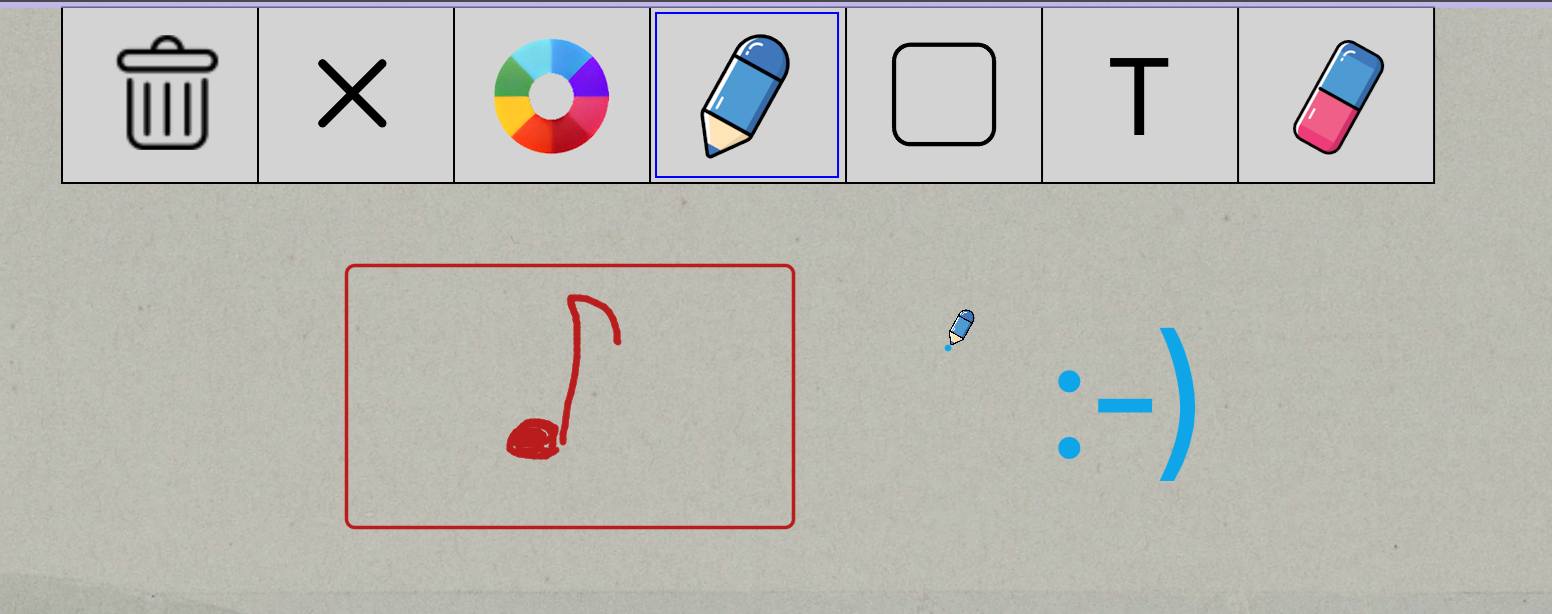
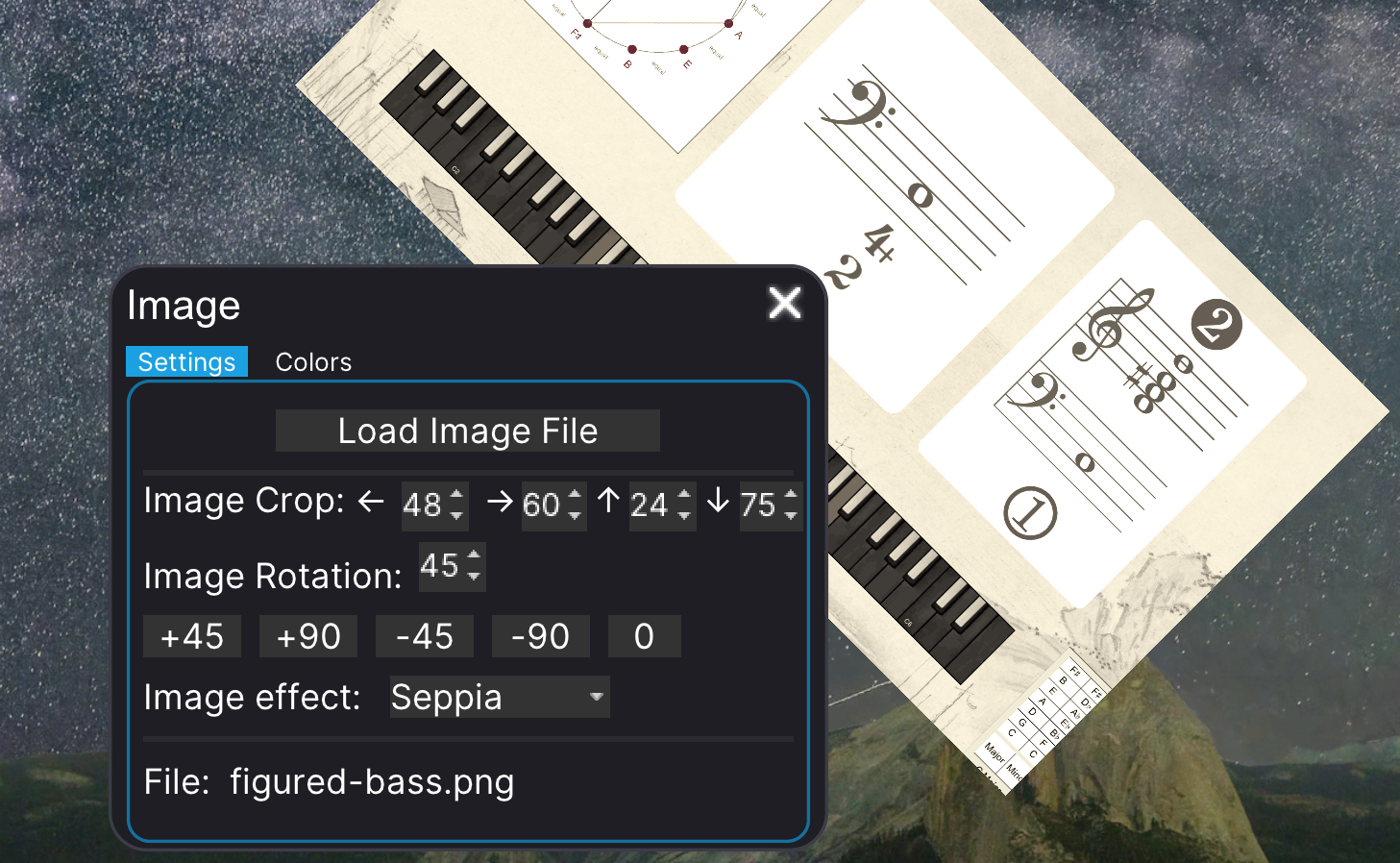
After adding the Rectangle and Text tools in the previous update, we now bring oval shapes (elipses) to Annotation Mode, with both filled and unfilled options. We’ve also fixed some minor bugs in the Image widget, a handy tool that lets you place images directly on your screen, with support for cropping, rotation, and a few preset image effects.
Improved Metronome and Pre-Count
We’ve improved the built-in metronome and click sounds, using more precise samples with no trace of reverb, in line with modern DAW standards.
We’ve also improved the pre-count for different styles and added visual feedback during the pre-count of exercises.
UI Improvements
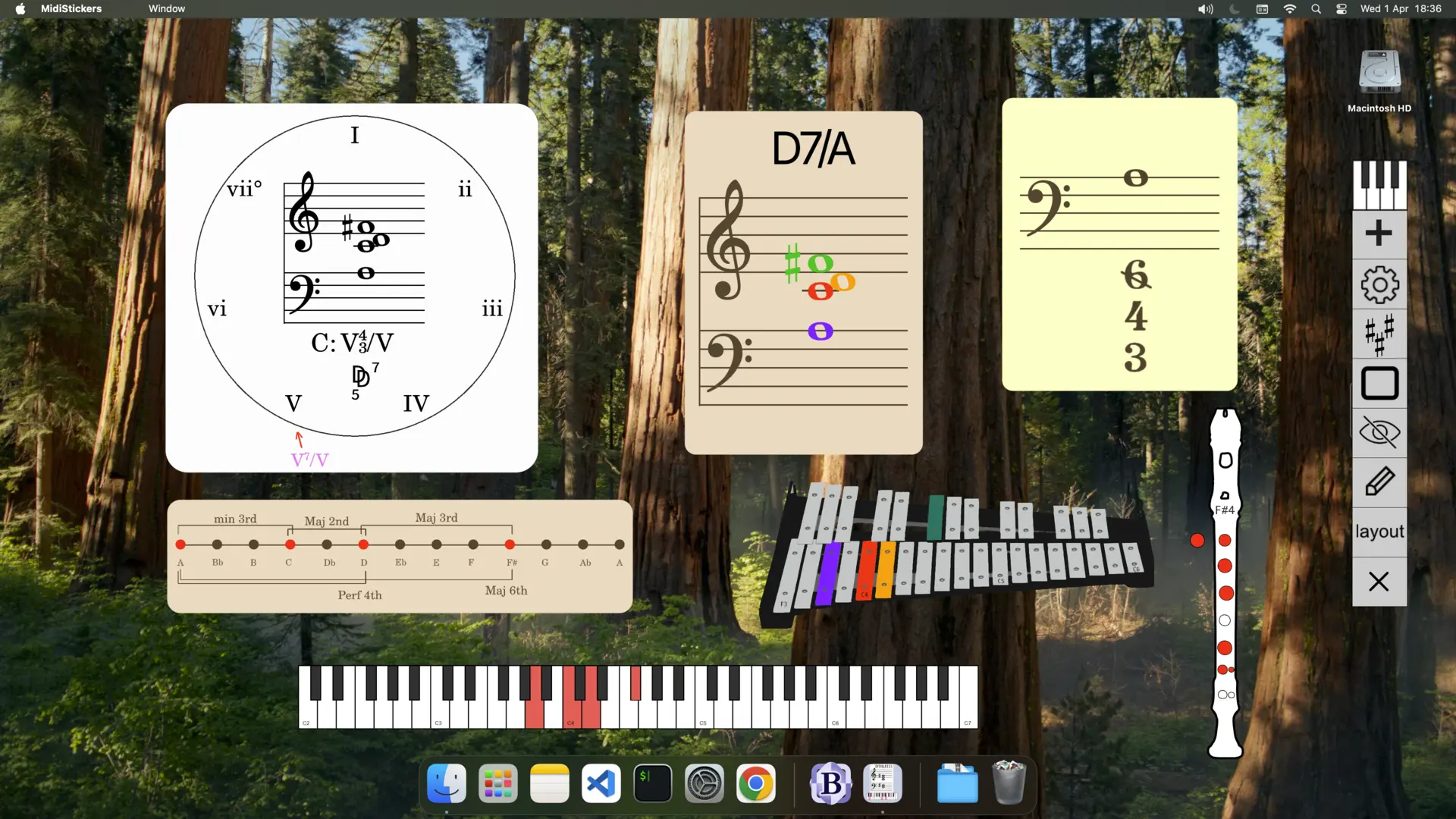
You’ll notice several aesthetic improvements throughout MidiStickers Pro, including refined color schemes and rounded outlines. Some windows and dialogs have also received minor improvements to spacing and scaling.
We’ve also significantly improved the image quality of Layout previews, which now render much more clearly, especially at 1080p.
Update to the latest version right away in the User Area.
Buy MidiStickers Pro today as a one-time purchase.