· 2 min read
MidiStickers v1.3.1 improves Annotation Mode
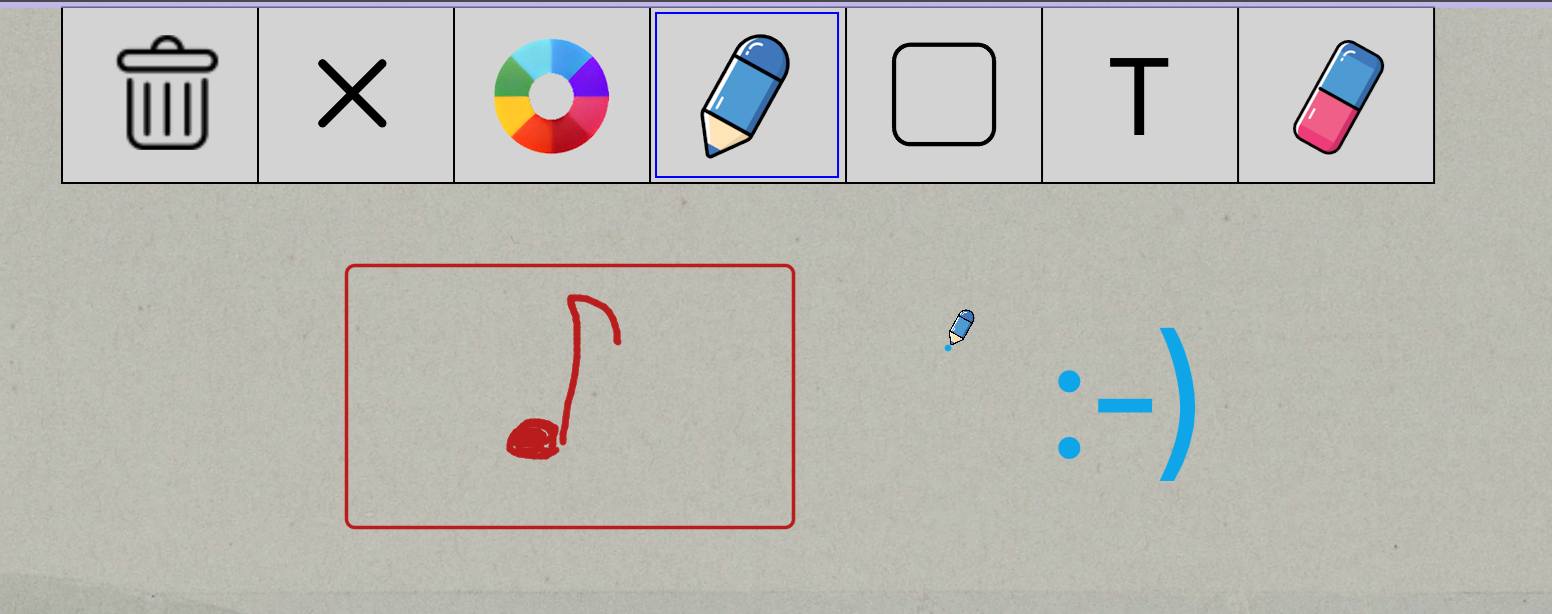
MidiStickers v1.3.1 improved Annotation Mode now includes support for drawing Rectangular shapes and Text directly on the screen.
Following the milestone v1.3.0 update, this v1.3.1 fixes a number of smaller issues and brings significant improvements to Annotation Mode.
Annotation Mode: an improved workflow for music teaching
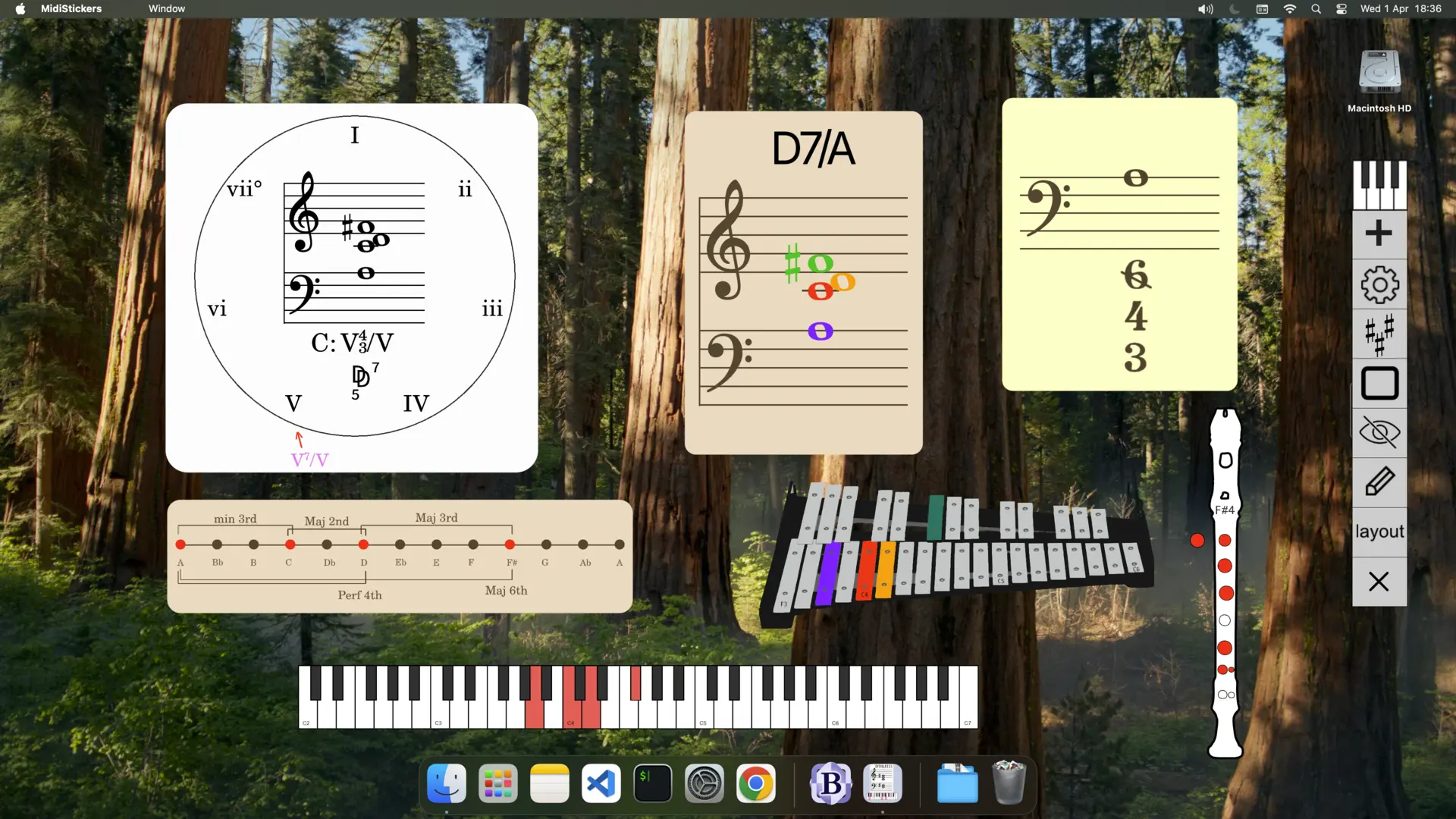
One of the defining aspects of MidiStickers Pro is that it has been developed “every class” through real-world teaching scenarios. The entire Overlay Mode is a direct consequence of this approach, allowing MidiStickers widgets to work seamlessly alongside any other software and tools music teachers already use.
Very early in development, we introduced an Annotation Mode that allowed teachers to draw directly on the screen, with support for undo and redo, as well as adjustments to pen thickness and color. These simple tools have proved surprisingly useful, and we now have quite a few users who occasionally use MidiStickers simply for quick, on-screen annotations.
With v1.3.1, we have finally completed a more comprehensive set of annotation tools, adding support for drawing rectangles and writing text directly on screen, making Annotation Mode much more practical for everyday teaching. These tools can be accessed either through keyboard shortcuts or directly from the annotation toolbar, allowing you to work entirely with the mouse.
Update to the latest version right away in the User Area.
Ready to bring these tools into your own teaching workflow? Buy MidiStickers Pro today, available as a one-time purchase, with no subscription.