· 5 min read
MidiStickers v1.3 expands Learning Content with new Lessons, Exercises and Trainers
MidiStickers v1.3 update expands Learning Content with new Lessons & Exercises module and brings numerous other improvements.
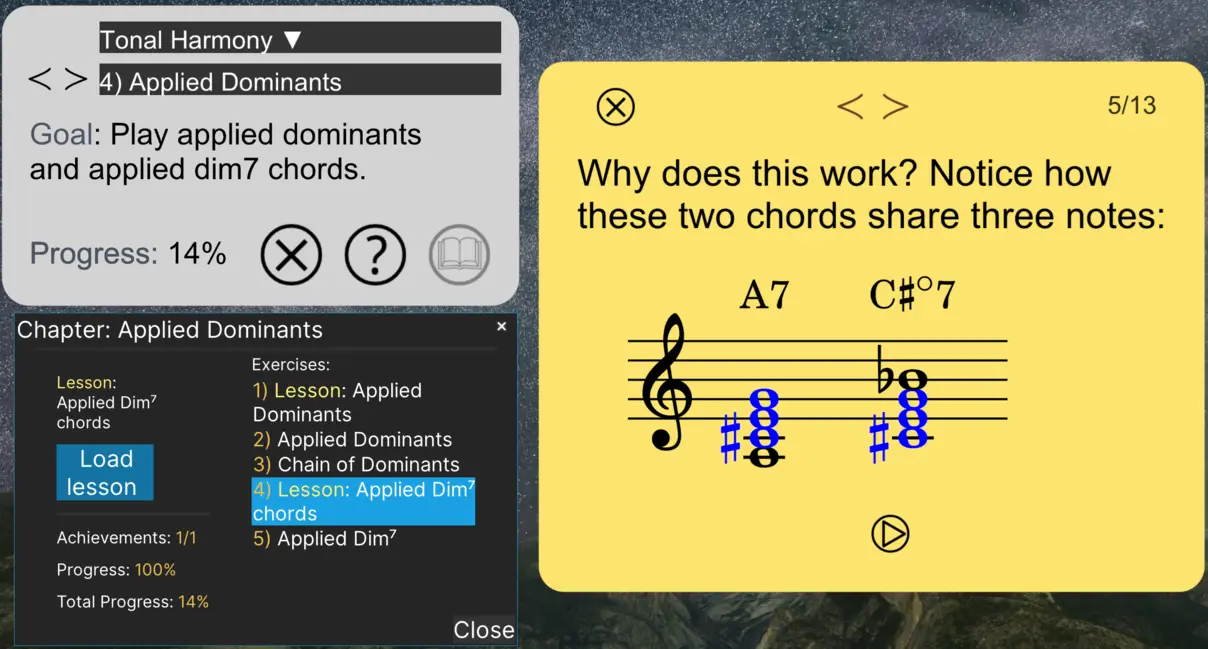
While past MidiStickers versions already offered hundreds of interactive exercises, we felt that something was missing: textual lessons to provide the conceptual foundation behind the practice. With this release, we begin to fill that gap, making the learning experience more self-contained and turning MidiStickers into a concise textbook and workbook for music theory and harmony.
All new lessons have been crafted from expert teaching experience, with the goal of presenting the subject matter in a coherent and progressive way — not simply as a collection of disconnected topics and exercises, but as parts of a broader view of music theory and harmonic practice, covering both classical and jazz perspectives.
For teachers, the lessons also make the pedagogical purpose of many of MidiStickers’ tools more apparent. They provide a clearer view of the ideas behind the application and how its many widgets, trainers, and exercises fit together within a broader pedagogical vision: to provide a comprehensive environment for learning, exploring, and practicing music theory and musicianship.
The v.1.3.0 release introduces a completely new Sight Reading Trainer, a new Lessons & Exercises environment with more than 30 textual lessons, dozens of new exercises, and Italian localization. It also brings a number of improvements designed to make working with MidiStickers faster and more intuitive.
Learn, practice, and explore
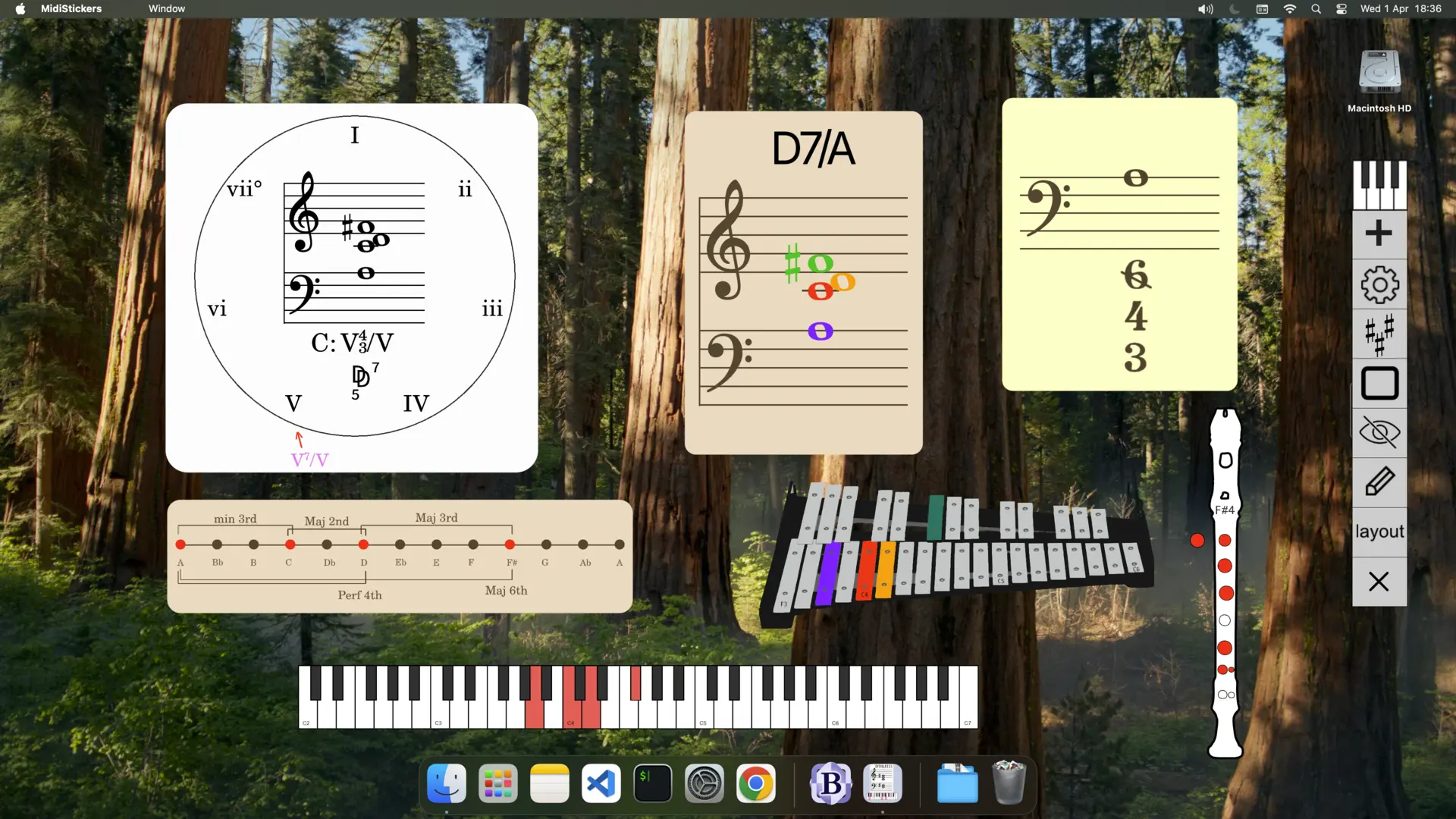
With v1.3.0, MidiStickers now goes beyond individual trainers and interactive tools to provide a more complete environment for studying music theory, harmony, and musicianship.
New Sight Reading Trainer
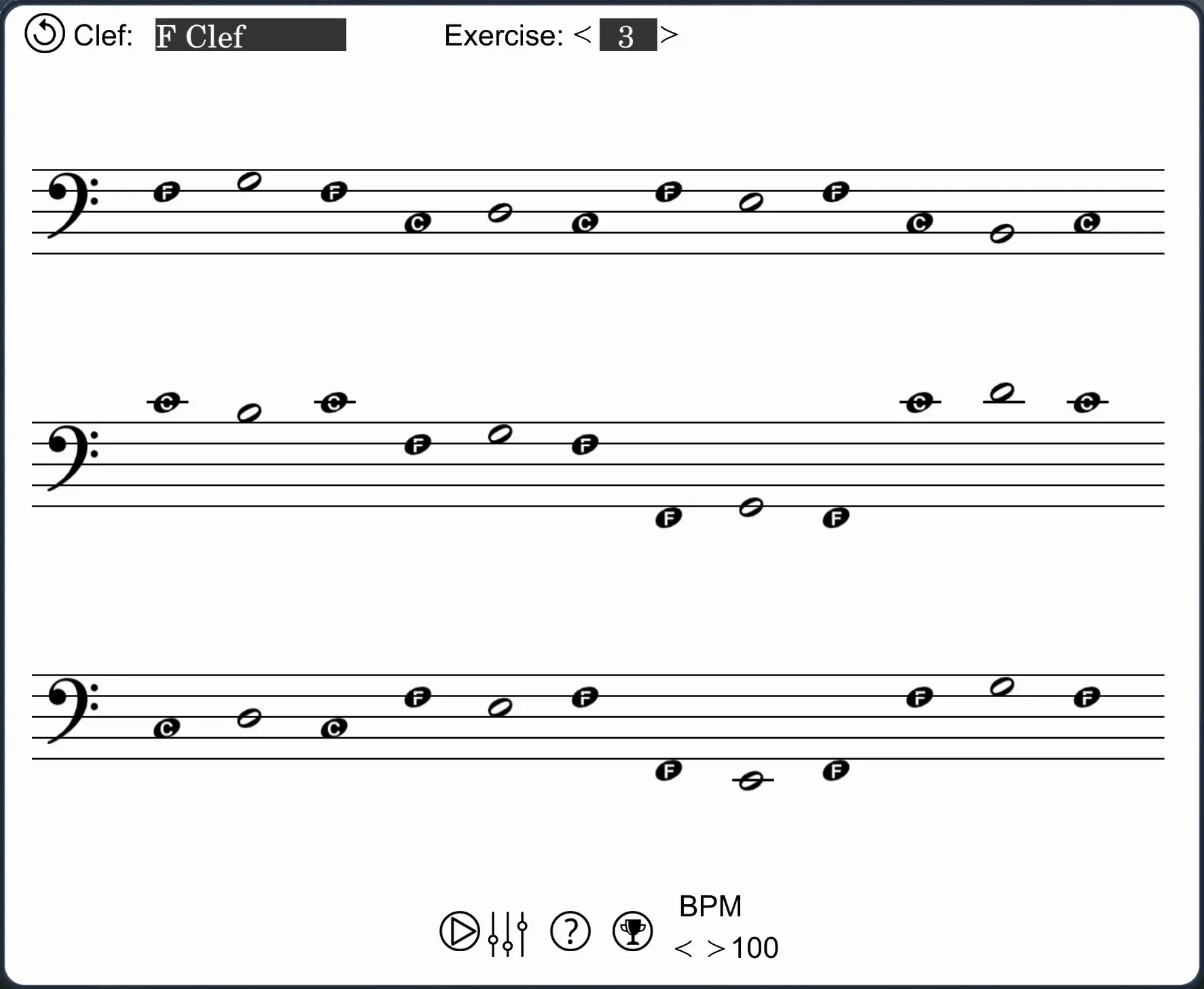
The new Sight Reading Trainer is designed to help develop fluency in reading music through systematic practice.
It includes 60+ exercises inspired by Georges Dandelot’s “Manuel pratique pour l’étude des clés de sol, fa et ut”, a classic work dedicated to the practical study of musical clefs. These exercises progressively (and very effectively) develop your ability to identify and read notes across the staff, providing a focused training sight-reading practice.
Lessons & Exercises
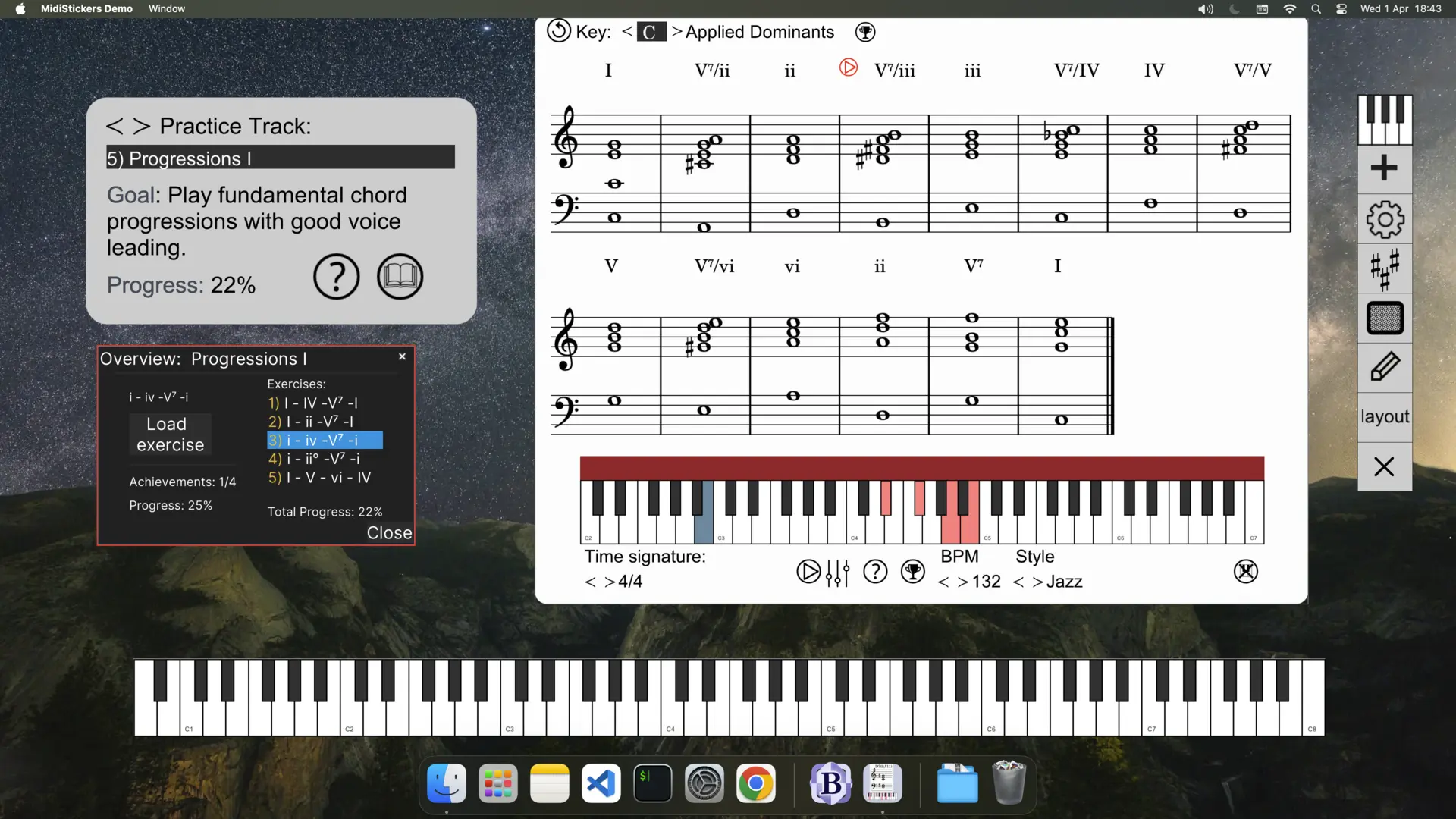
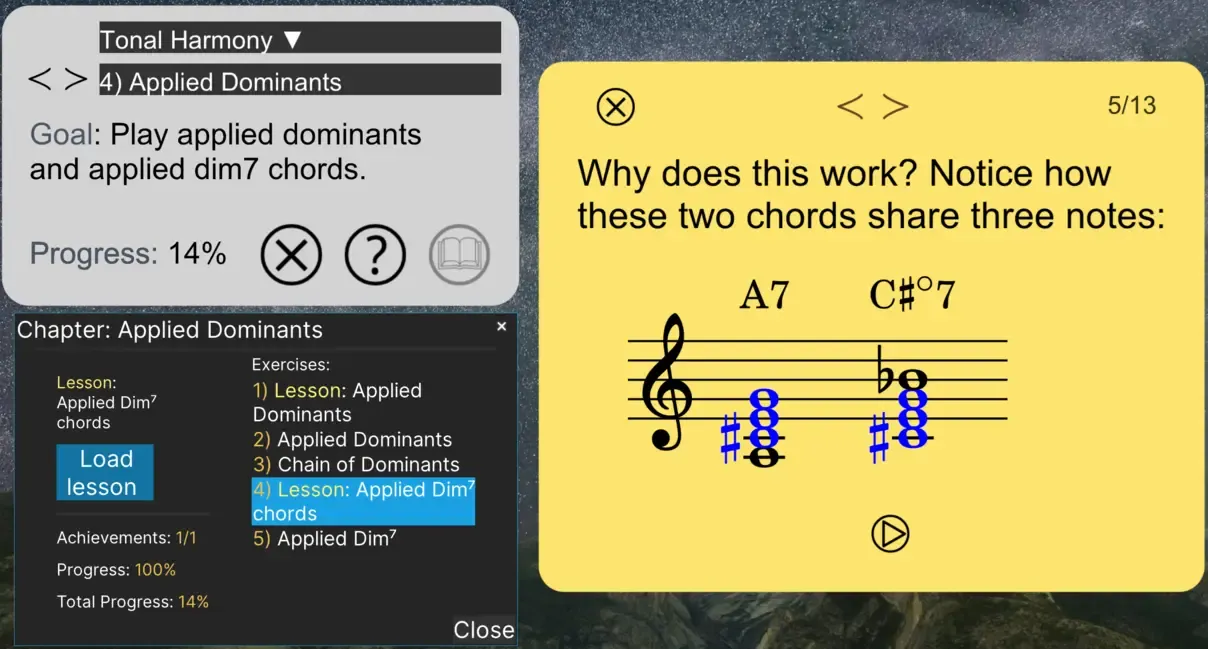
The former Guided Practice hub has evolved into Lessons & Exercises — a new learning environment that combines concise theoretical explanations with interactive exercises.
The new environment includes 30+ lessons, covering subjects ranging from fundamental concepts to more advanced topics. Lessons are designed to introduce or reinforce concepts while connecting them directly to practical exercises and MidiStickers’ interactive tools.
This creates a new way to use MidiStickers: instead of simply practicing a topic, you can first learn the concept, explore it interactively, and then put it into practice combining all the tools found in the software.
You can expect our next updates to expand on this concept, bringing novel ways to learn and practce music theory.
Auto-Accompaniment
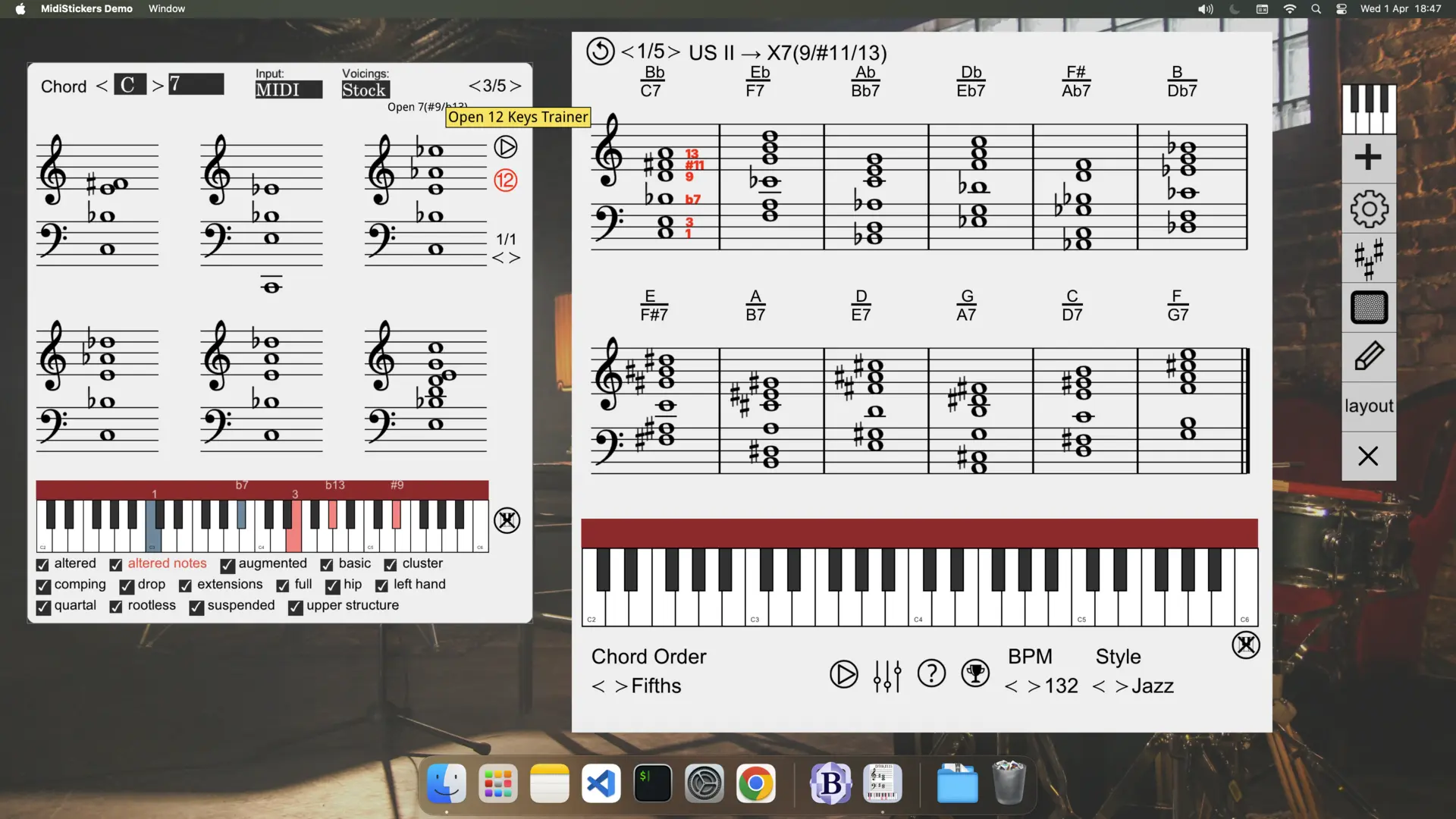
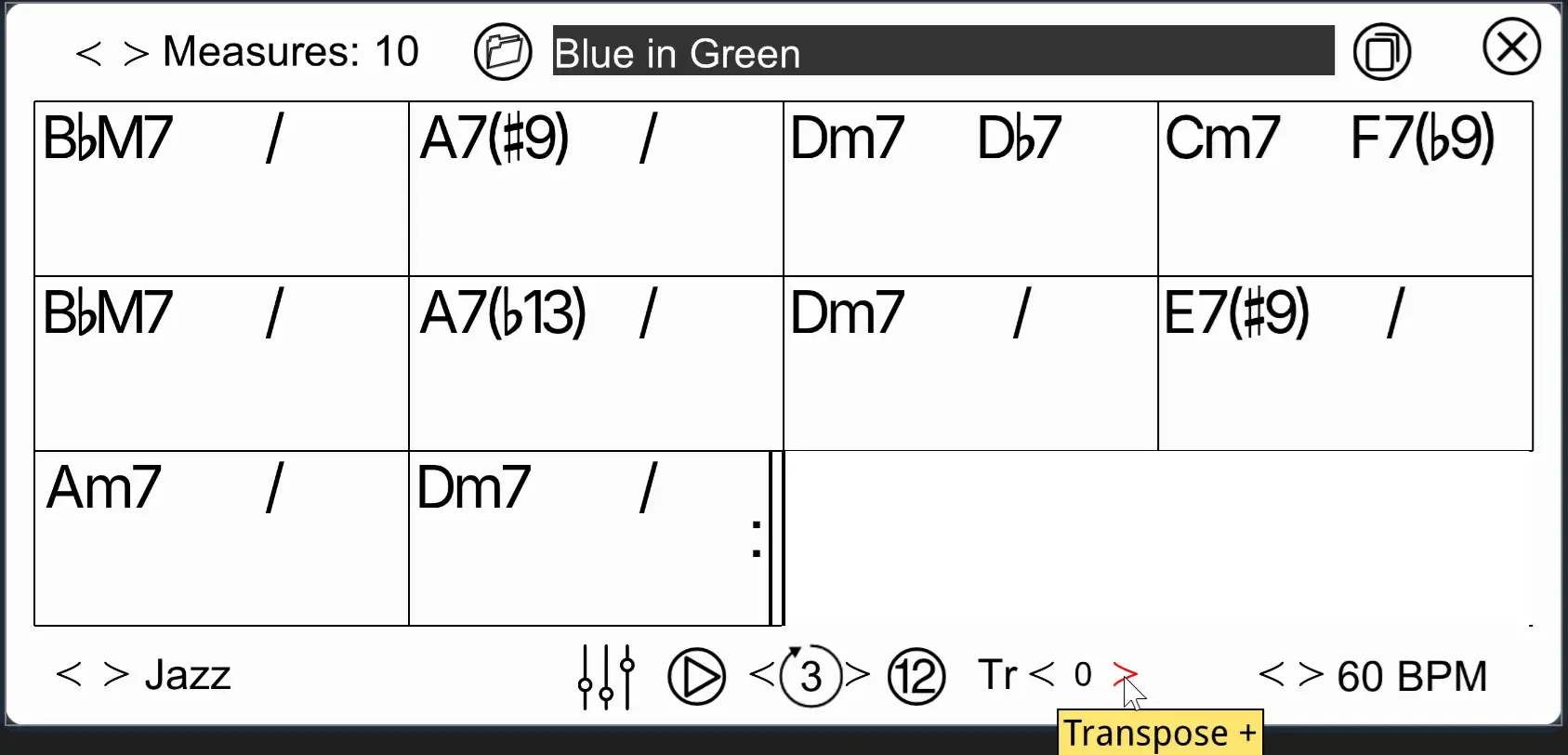
The Auto-Accompaniment Widget now features an improved user interface, along with a selection of built-in jazz standards and exercises that you can practice in all 12 keys.
While the widget is still relatively rudimentary, we plan to significantly expand it in MidiStickers v1.4.0 by integrating it with new trainers and lessons and adding support for saving user-created content.
More exercises
The existing exercise library has also been expanded with new material covering:
- Chord voicings
- Chord progressions
- Additional modes and scales
These additions complement the existing trainers and practice content, giving you more ways to work on the concepts you are studying.
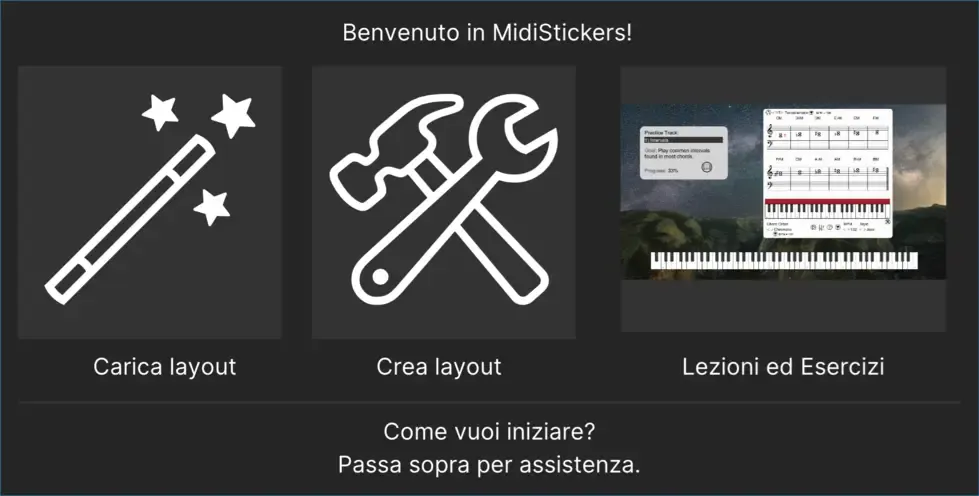
New language: Italian
MidiStickers is now available in Italian, adding a seventh language to the application. The Italian translation covers the application interface and learning content, making MidiStickers more accessible to Italian-speaking musicians, students, and teachers.
Improvements to existing tools
The v1.3.0 update also includes a number of improvements throughout the application.
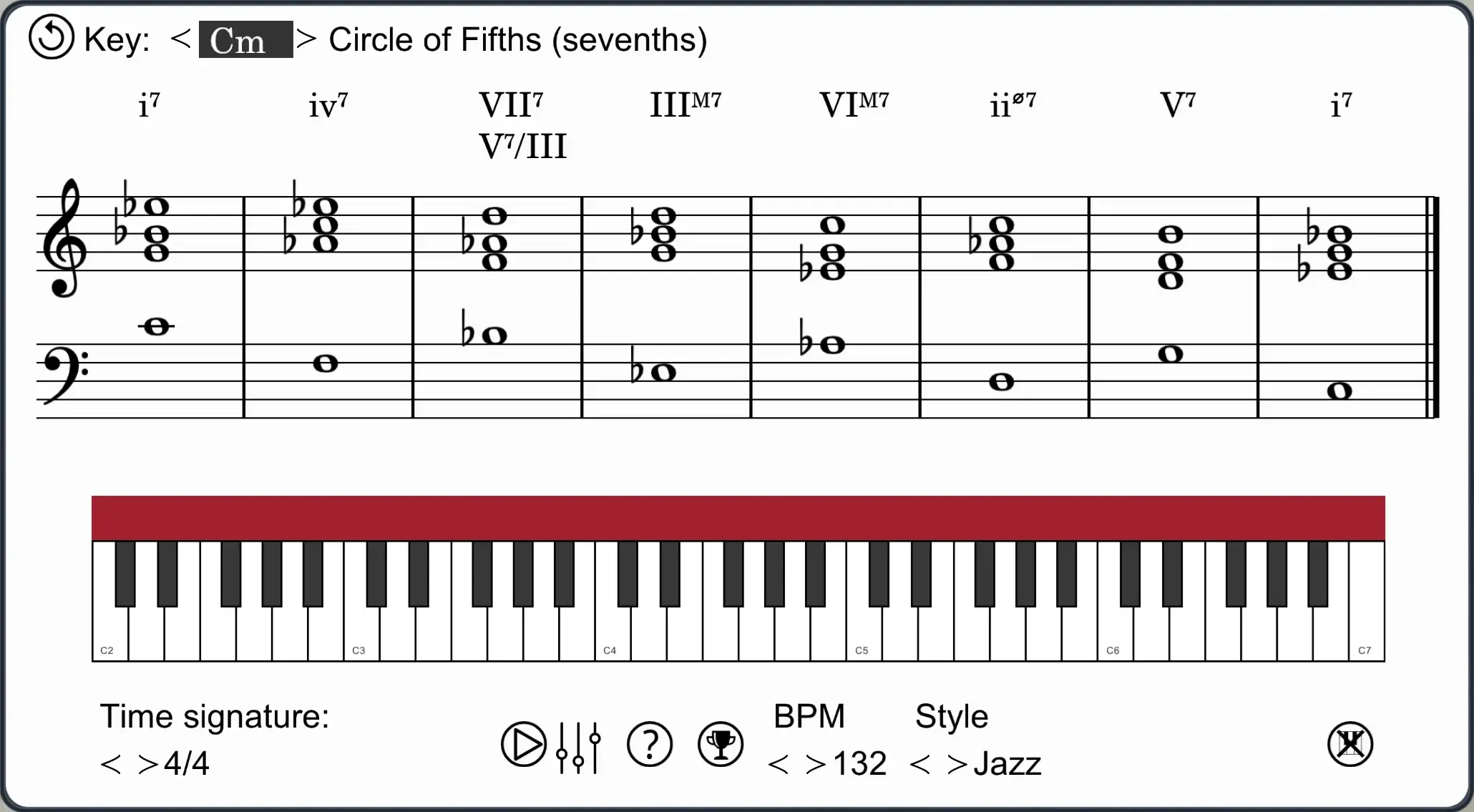
Progression Trainer
Auto-accompaniment is now available for all progressions in the Progression Trainer, making it easier to hear and practice harmonic progressions with a bass and drums foundation.
Faster, more intuitive workflows
We’ve reduced the reliance on keyboard gestures in several parts of the application and added more clickable controls where appropriate.
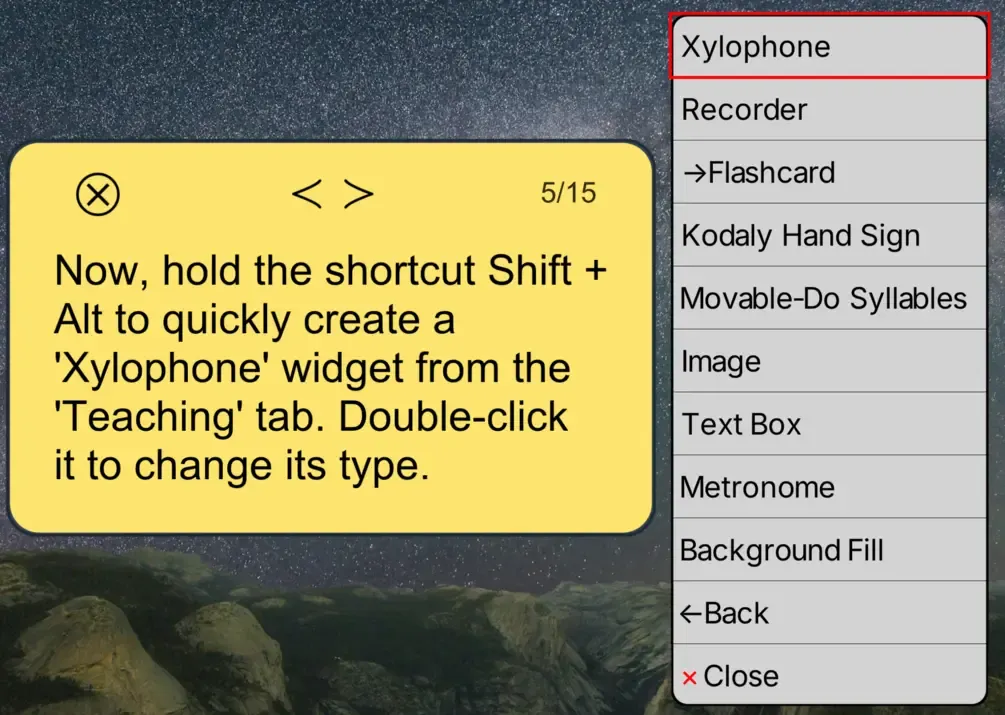
Widget settings can now be accessed simply by hovering over a widget, making them easier to discover and use.
Annotation Mode now includes clickable erase and exit buttons in addition to the existing keyboard shortcuts.
The Virtual Piano and Virtual Fretboard also now have clickable exit buttons, providing an alternative to their keyboard shortcuts.
MIDI Settings
MIDI settings are now saved between sessions, so you no longer need to reconfigure them every time you launch MidiStickers.
Improved tutorials
The Tutorials interface has been redesigned and improved to make navigating and following tutorial content easier.
A big step forward for MidiStickers
As usual, v1.3.0 also includes assorted bug fixes, refinements, and improvements across various widgets and other parts of the application.
With the addition of the Sight Reading Trainer, improvedLessons & Exercises hub, dozens of new exercises, and a growing collection of interactive learning tools, v1.3.0 represents a significant expansion of what you can learn and practice with MidiStickers.
Whether you are working on sight reading, harmony, scales, chords, progressions, or other areas of musicianship, there is now more structured content to help you learn the concept, explore it interactively, and practice it in context.
Buy MidiStickers Pro today as a one-time-purchase and start learning right away!