MidiStickers
MIDI visualization and Interactive exercises.
For self-study and teaching music theory and harmony.
Academically accurate - trusted by university teachers.
🌐 EN | de | es | fr | pt-BR
About MidiStickers
MidiStickers is a music education software for learning and teaching music theory and harmony directly from the keyboard. For self-study and classroom instruction.
Real-time visualization
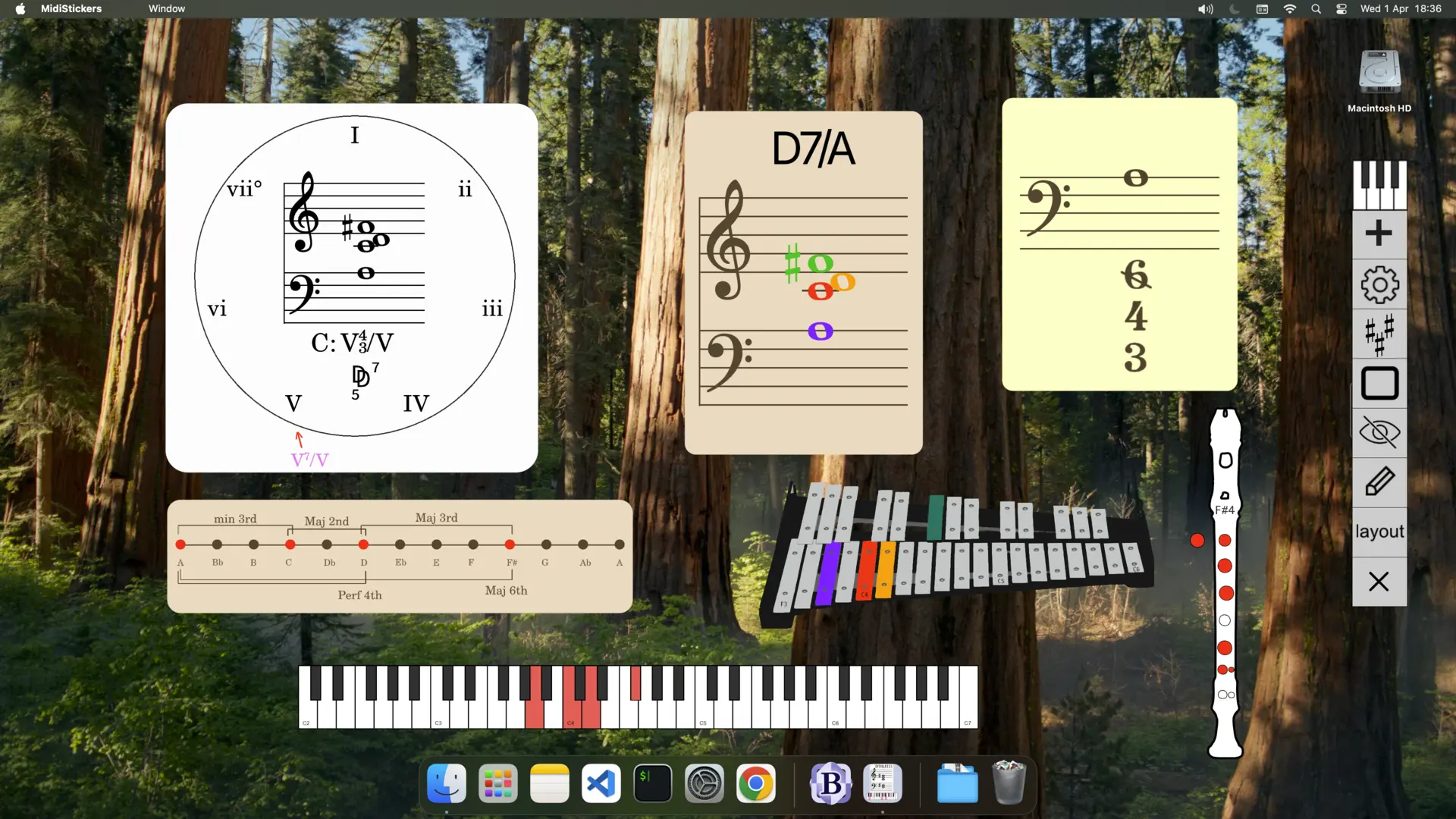
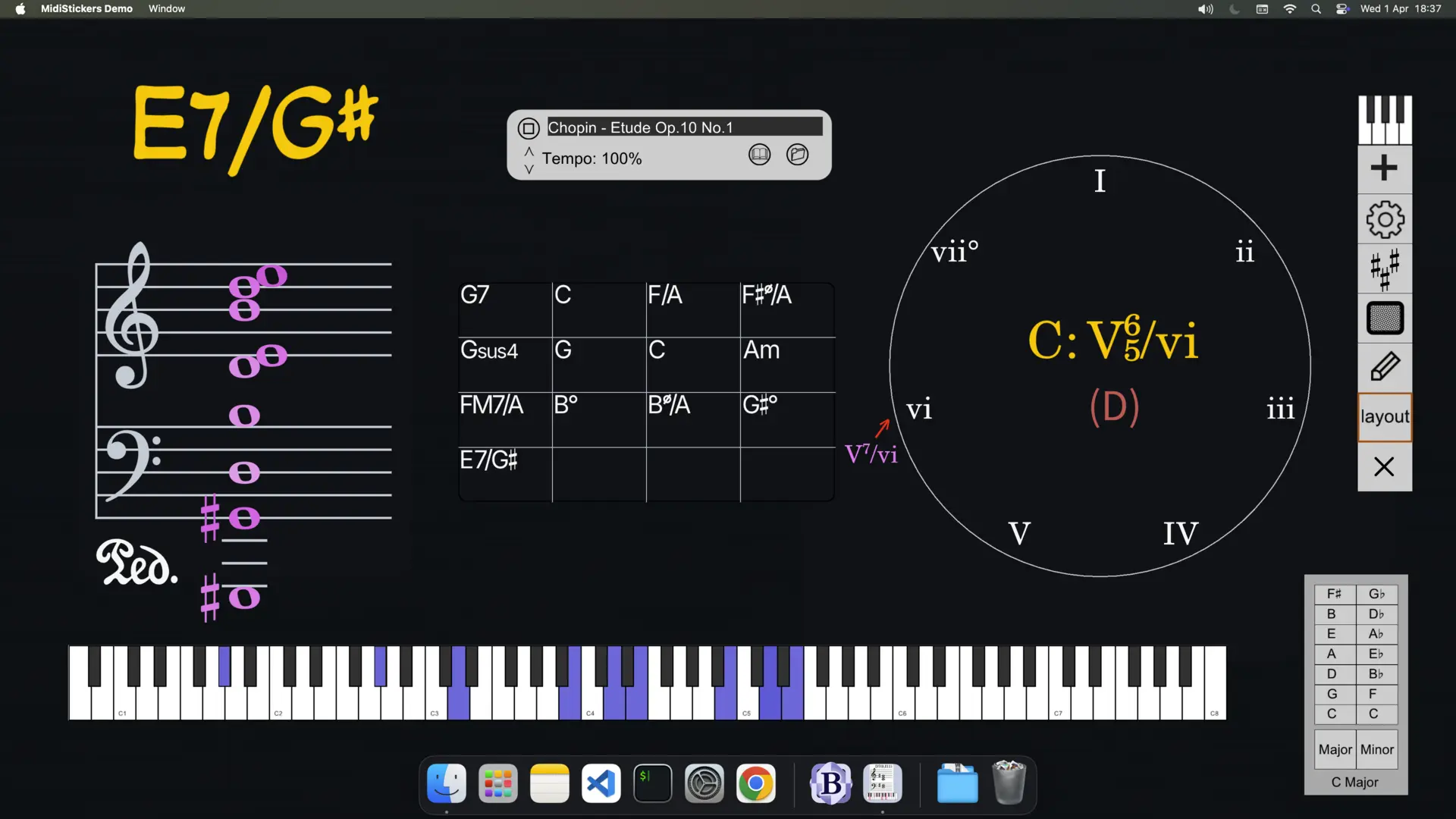
Play and see notes and chords on the staff with proper accidentals, as well as roman numerals, figured bass, harmonic functions - from baroque to jazz.
Lessons & Exercises tools
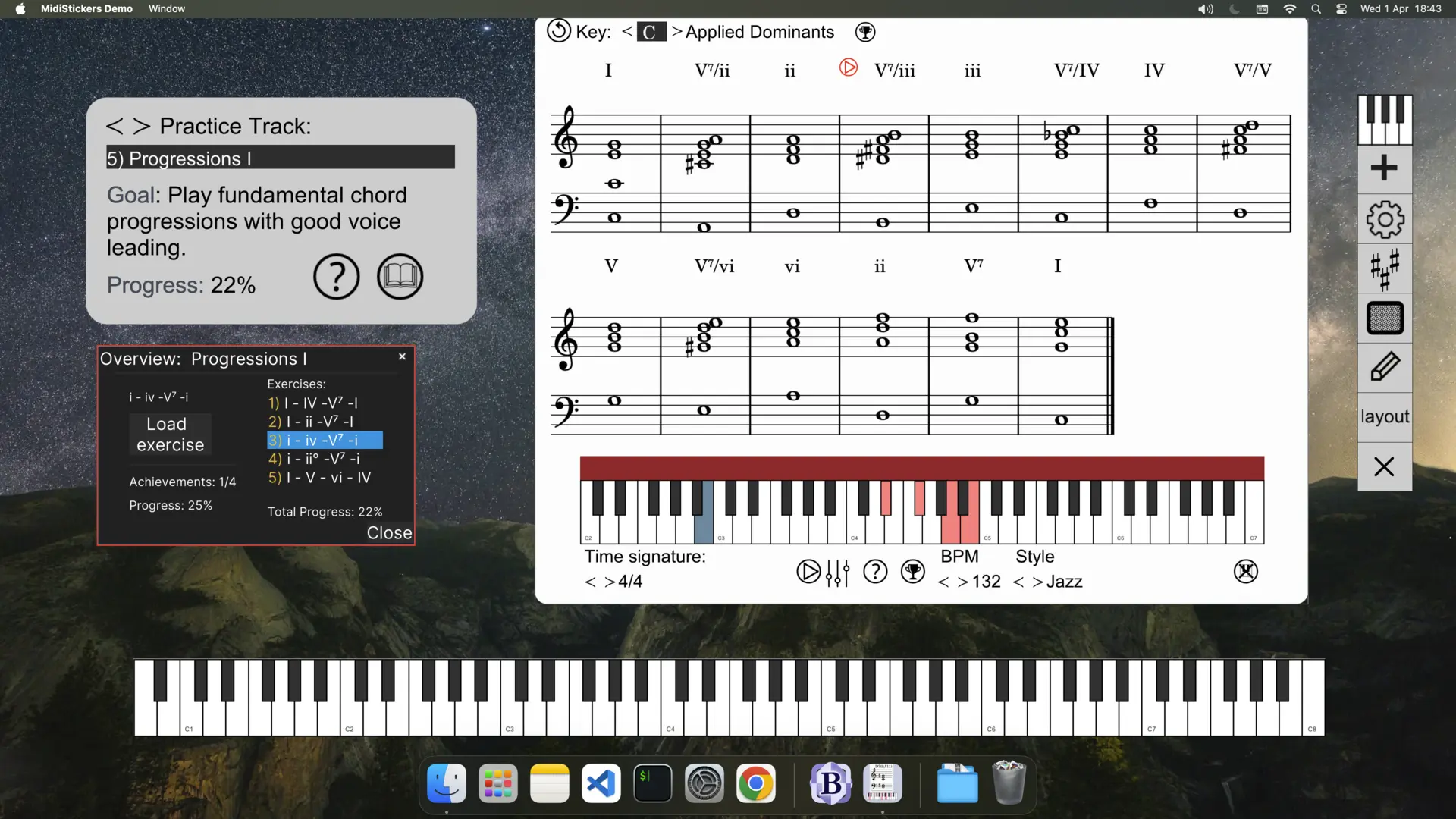
Learn concepts and develop your skills through a guided progression of exercises with backing tracks for real musical context - from the first scales to advanced modulations and jazz progressions.
Detachable components
Use any component as a detachable widget, blending with other software. Ideal for live lessons, classroom presentations and online music teaching.
Available for Windows and macOS
Latest version: v.1.3.3
Promo Video
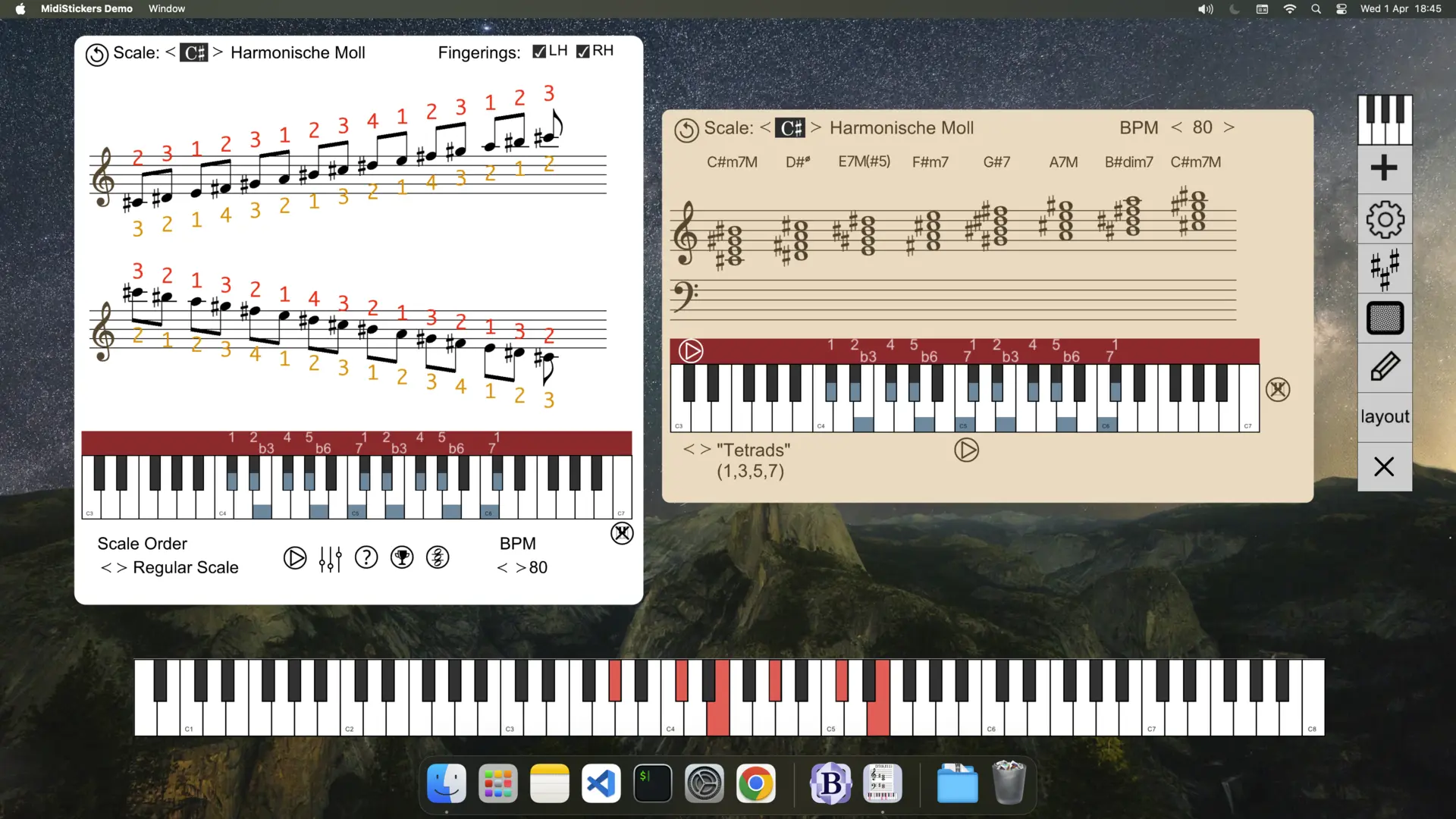
Lessons & Exercises
MidiStickers: Guided Practice
Practice in all 12 keys
Expand your Musical Creativity
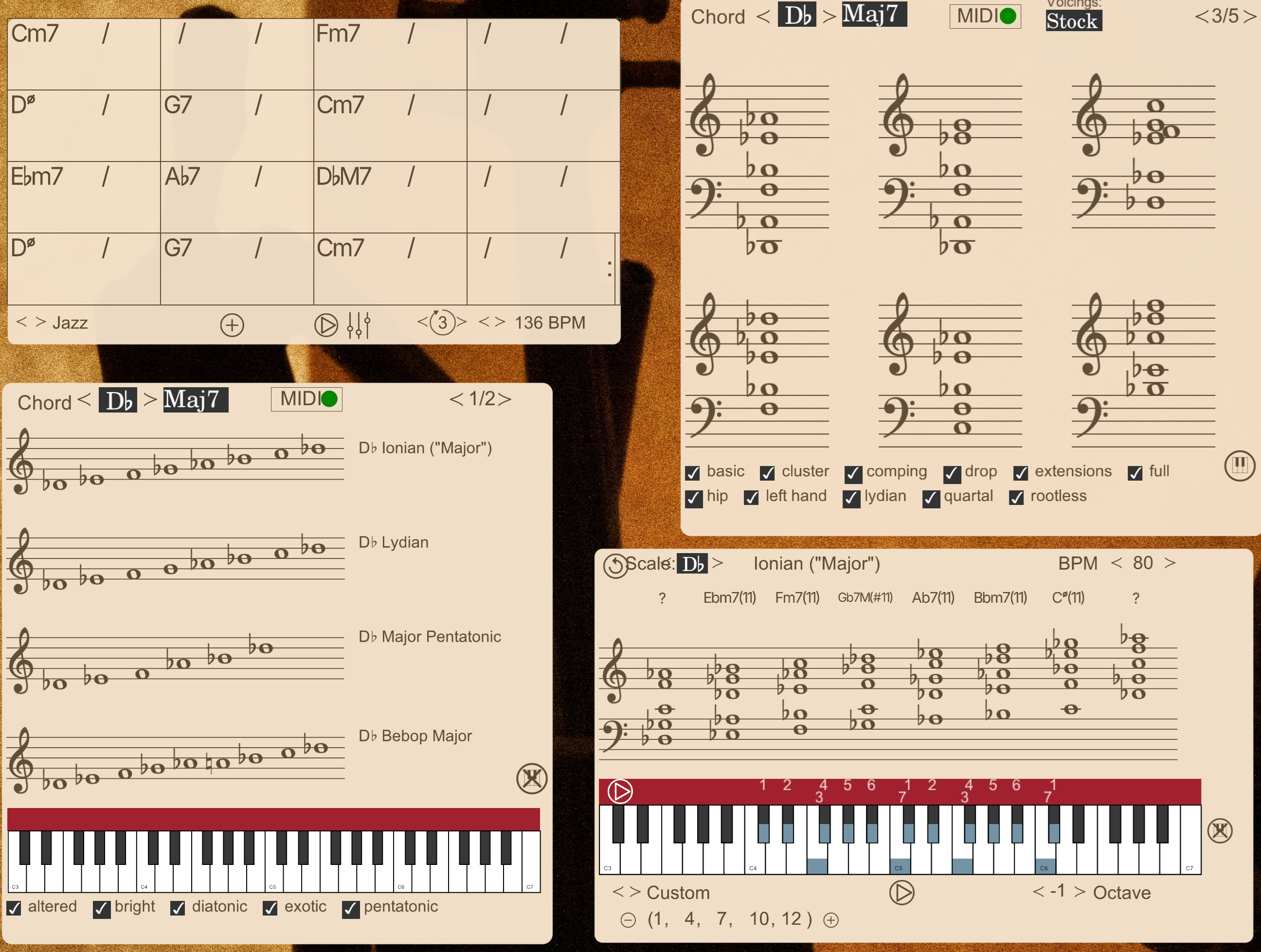
Practice Modes and Scales in all keys and explore their harmonic possibilities.
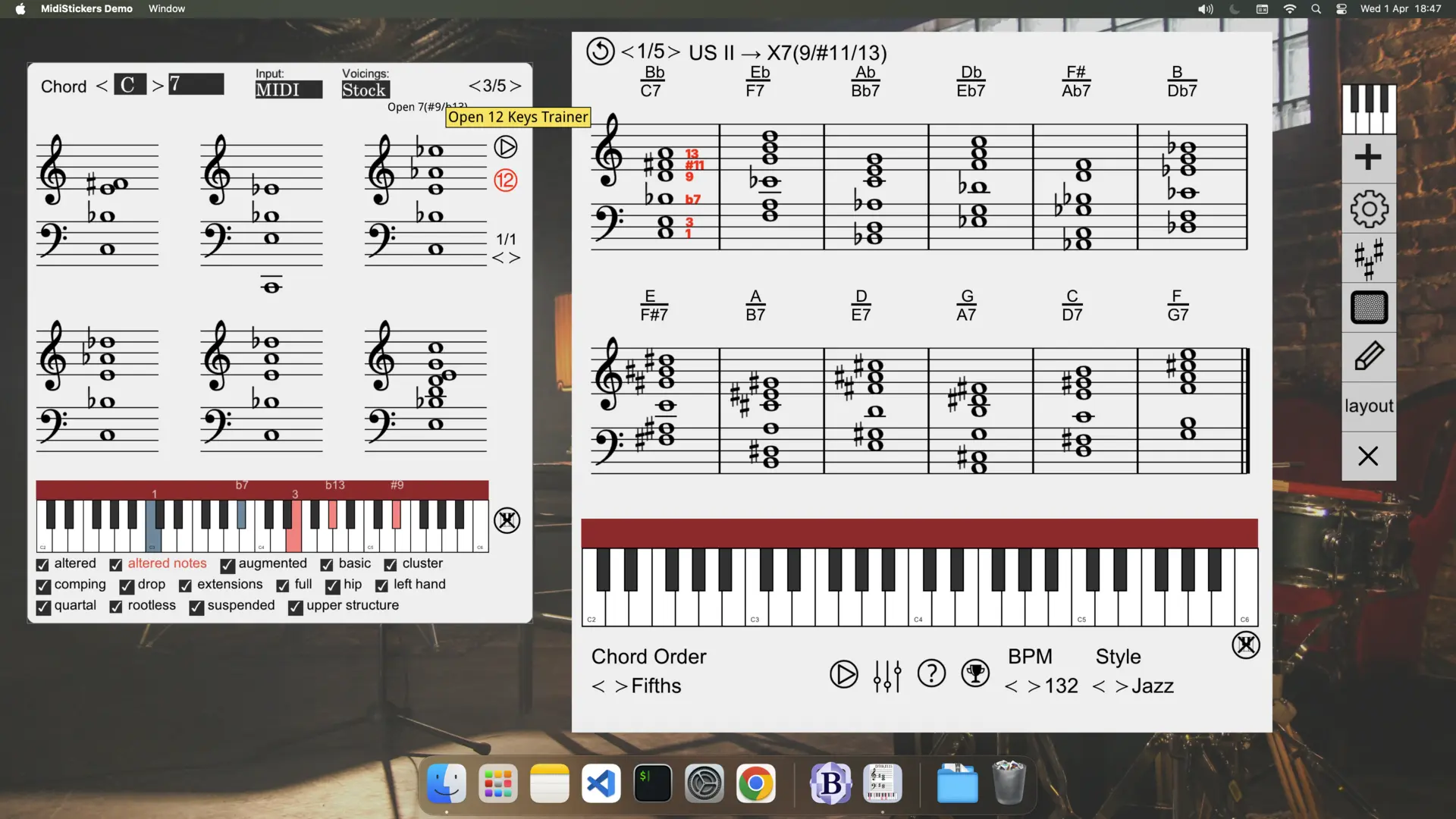
Master Chord Voicings
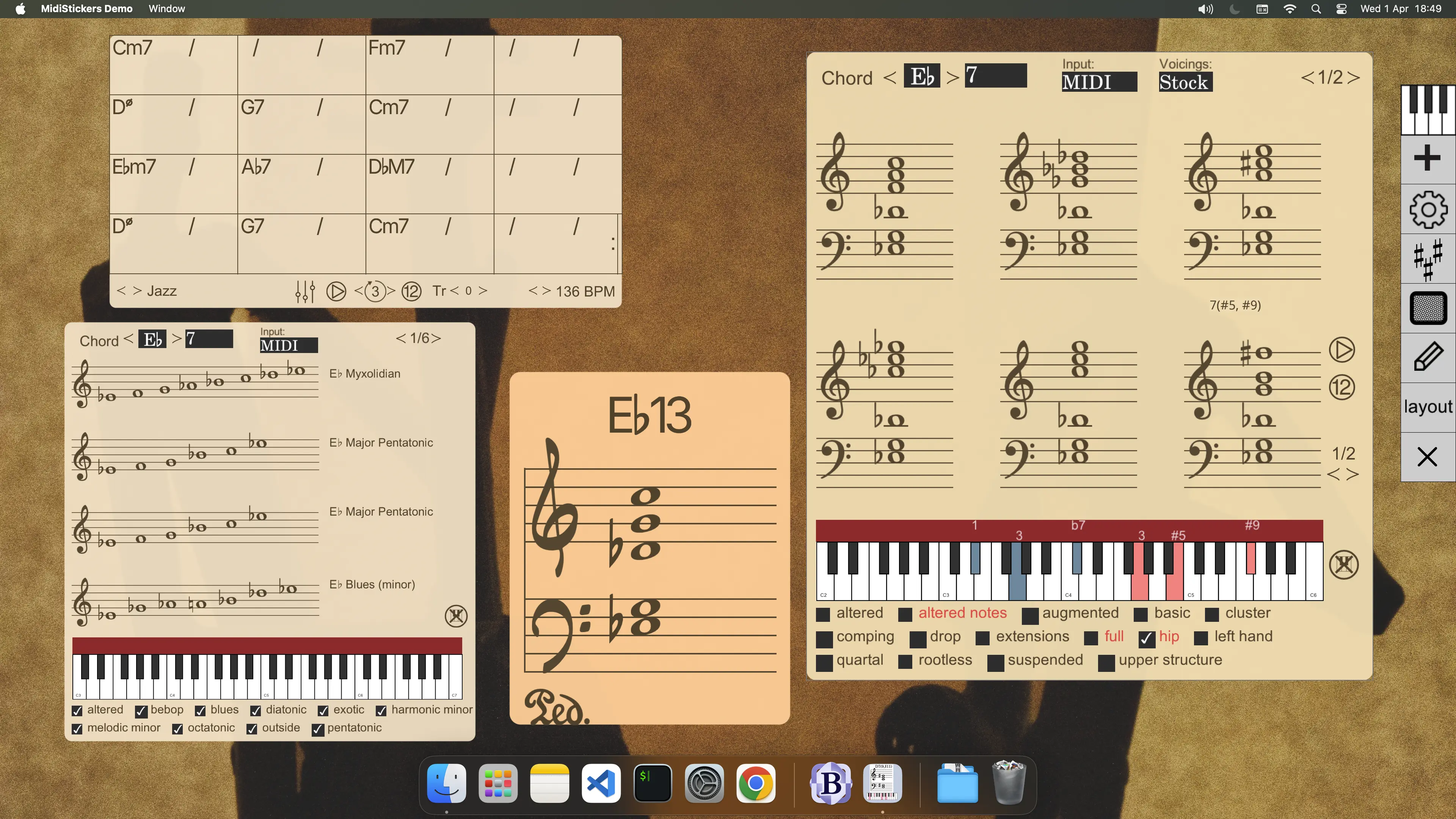
From basic triads to complex jazz voicings, practice in all 12 keys with backing tracks generated on the spot and progress tracking.
Practice Chord Progressions
Practice the ii-V-I, circle of fifths, rule of the octave and other common progressions to develop true fluency in harmony.
Enhance your Piano Practice
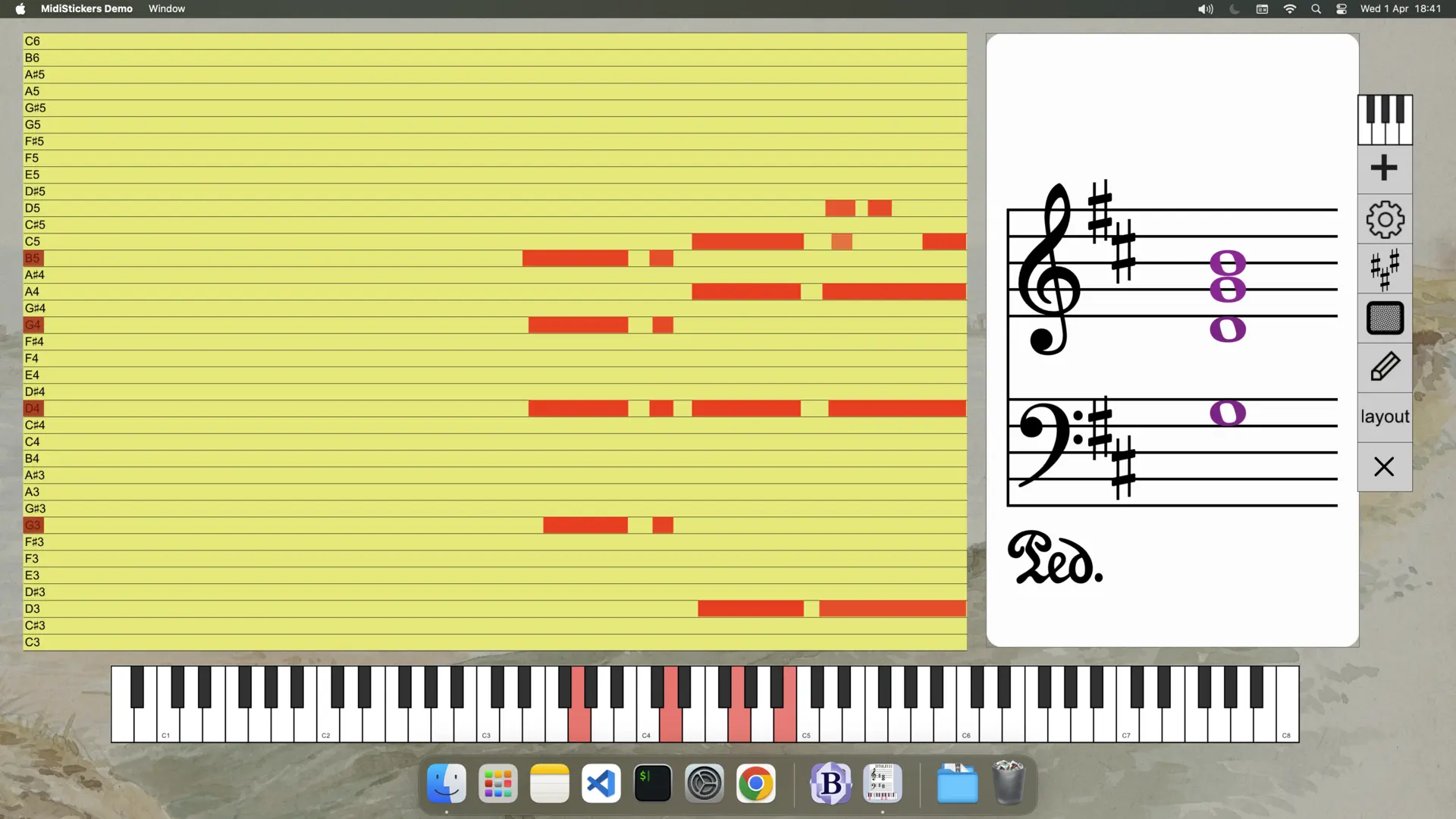
Study with real-time visual feedback on pedalling and dynamics, including decay modelling.
Experiment with Negative Harmony
Explore the world of Negative Harmony for creative exploration and new musical ideas.
MidiStickers: Music Teaching Tools
Teach and learn visually
Capture Students Attention Instantly
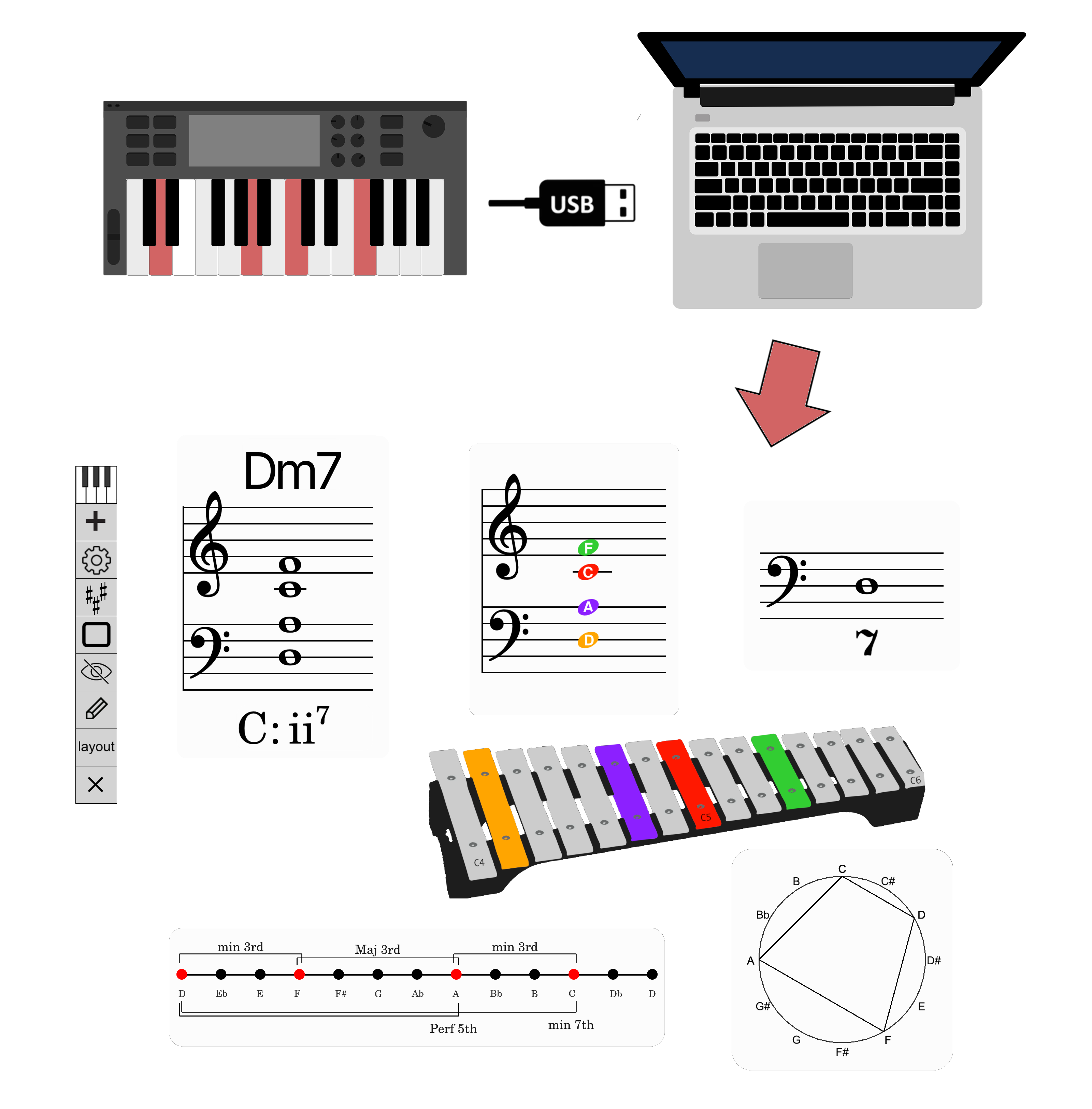
Display MIDI input as music notation, chord symbols, Roman Numerals, Figured Bass for immediate visual feedback.
Teach Theory That Stands Out
Cover everything from basic note reading, intervals and chords to advanced jazz voicings or historical figured bass.
Make Learning Interactive
Use Xylophone, Recorder or Kodály Hand Signs visualizations, Fixed or Movable Do, and interactive flashcards.
Understand Music with Colors
Use coloring schemes to better visualize note names, scale degrees, harmonic function and dynamics.
Integrated Teaching Tools
Combine on-screen detachable widgets that integrate easily with video calls, recording software and presentation software.
MidiStickers in the ClassRoom
Improve your teaching
Teach and Explain Ideas Effortlessly
Write directly on the screen with built-in annotation tools. Pin images, crop, rotate and apply effects and filters on the fly to illustrate your points clearly.
Set Up in Seconds
Save your screen arrangement, tool setups and color themes, or use preset layouts for a faster teaching setup.
Simplify your Teaching Workflow
Use MidiStickers as an on-screen overlay alongside your favorite DAW, music notation or composing software for smooth teaching sessions.
Features
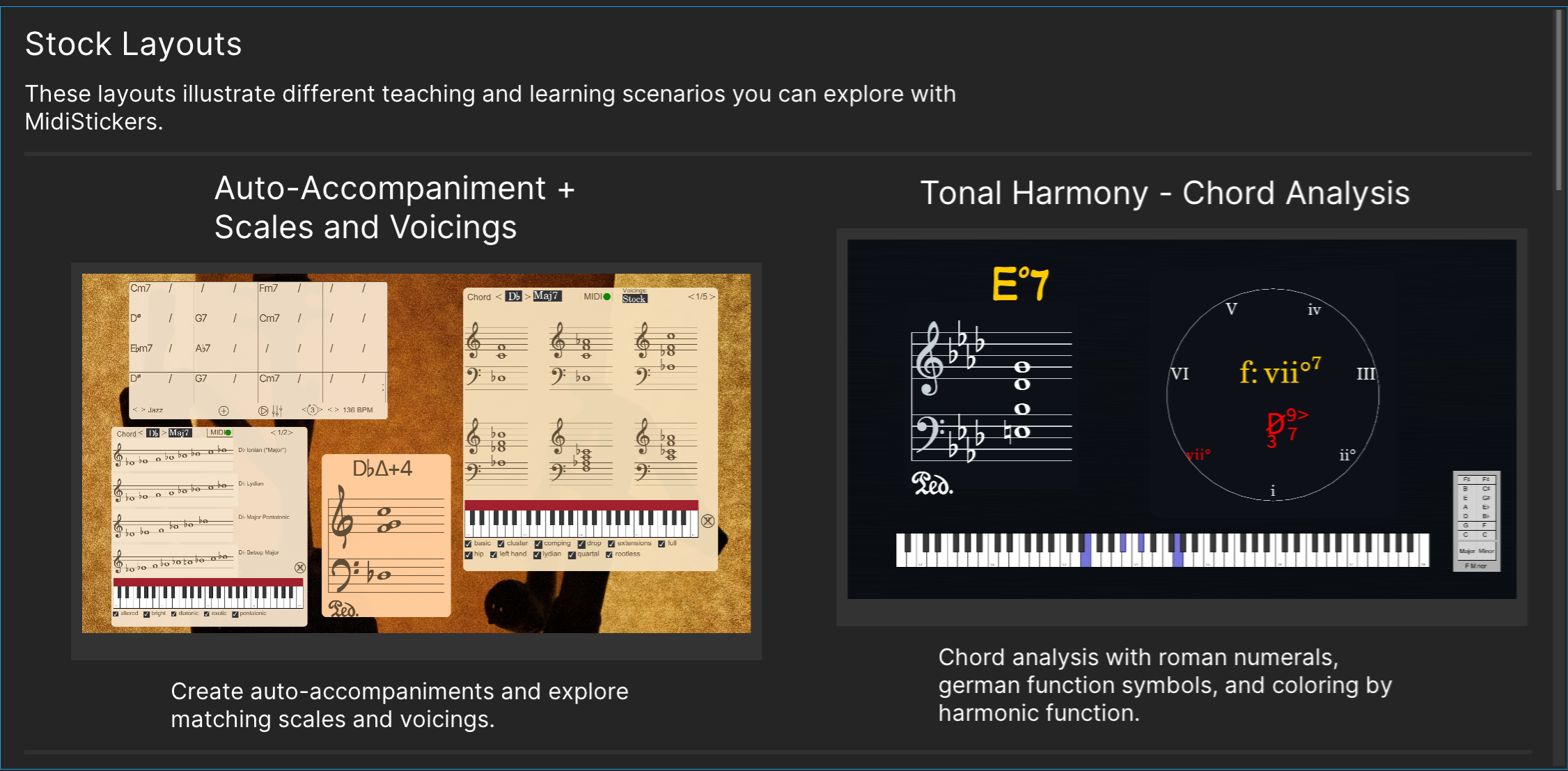
Learn more about our toolbox for students and teachers.
Staff Widgets
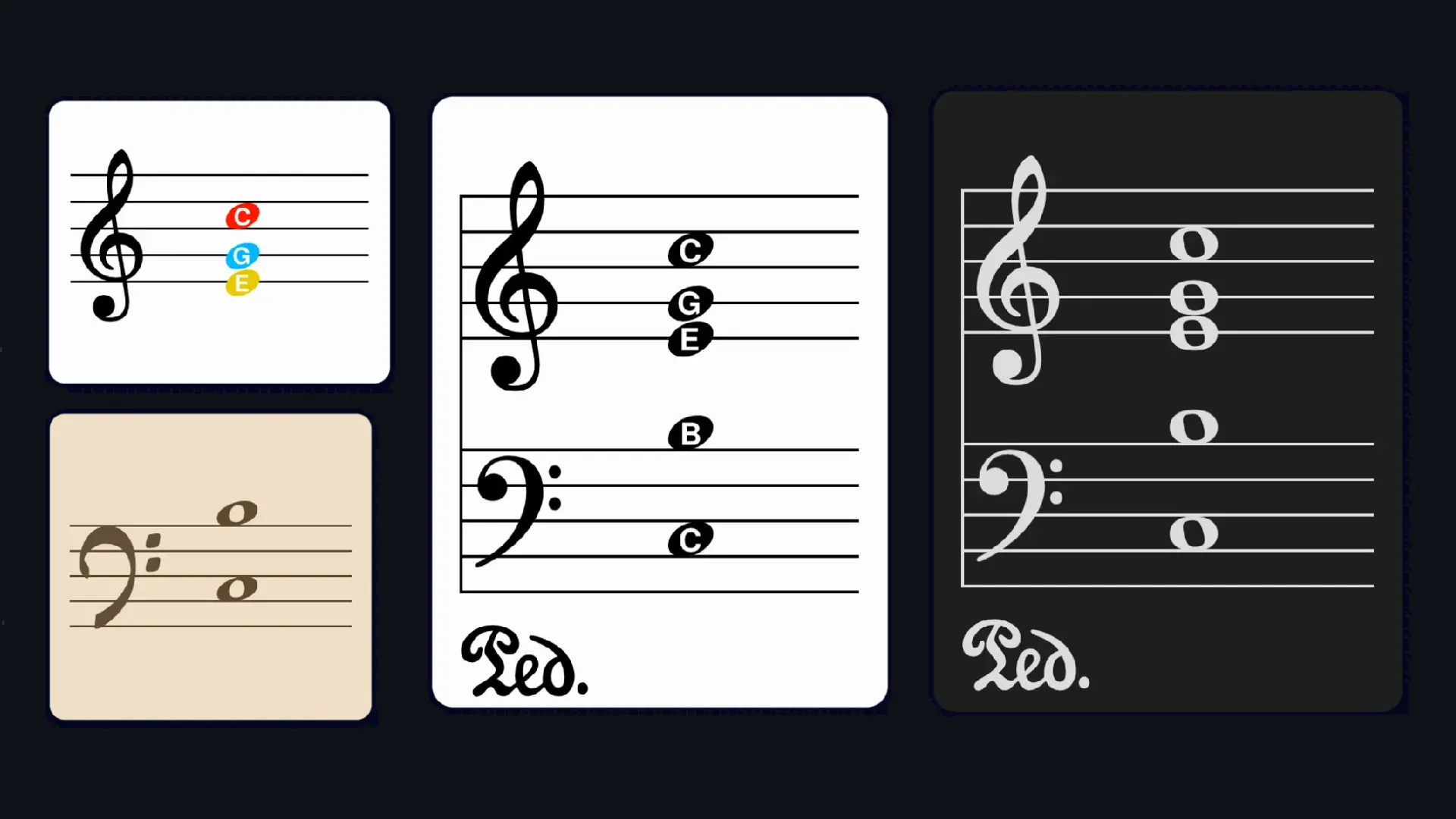
View notes on the staff in various clefs and styles. Use coloring schemes for note names, dynamics, degrees and harmonic function.
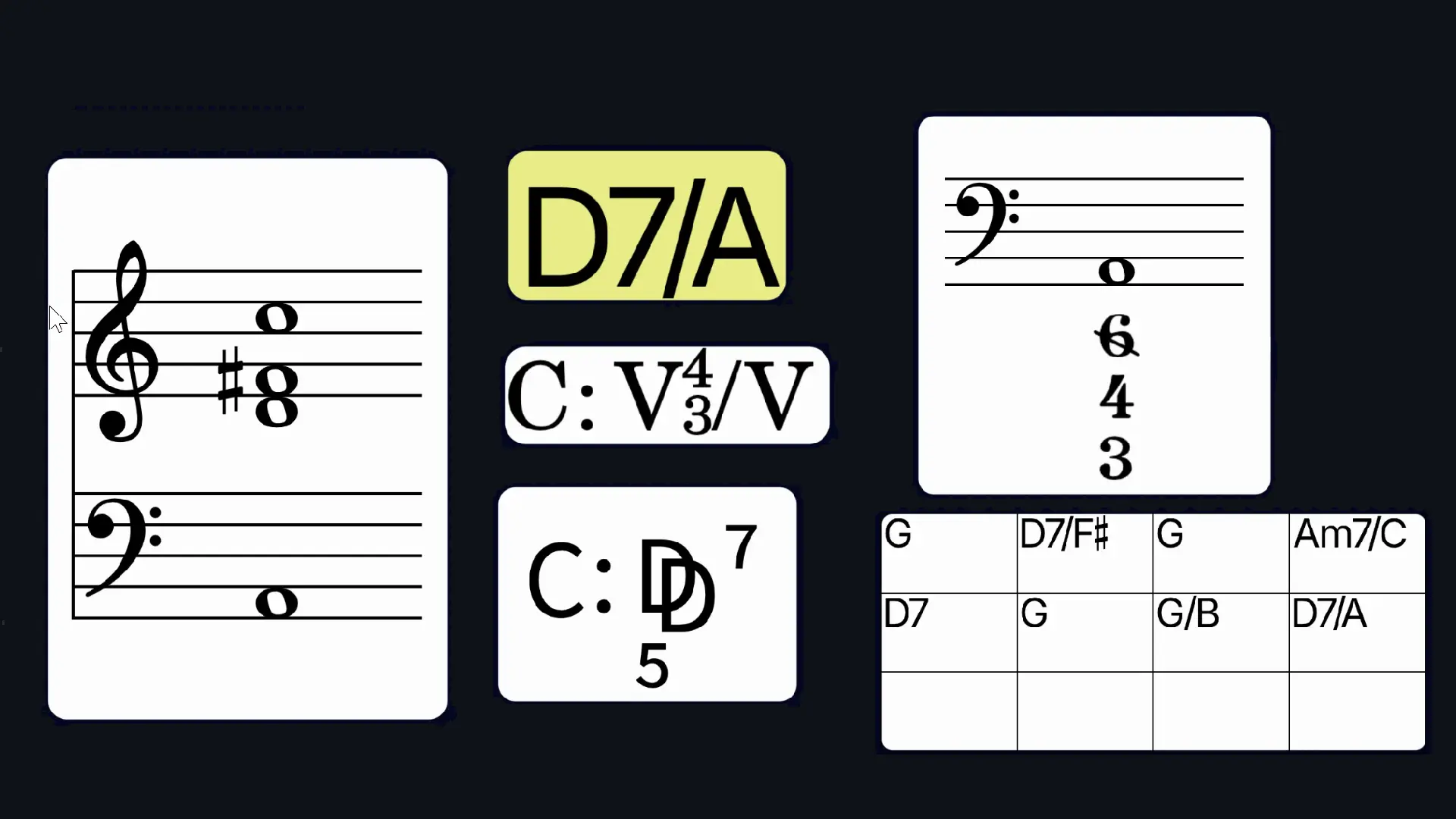
Chord Symbols & Analysis
Analyze harmony through chord symbols, Roman numerals, figured bass and German function theory in real time.
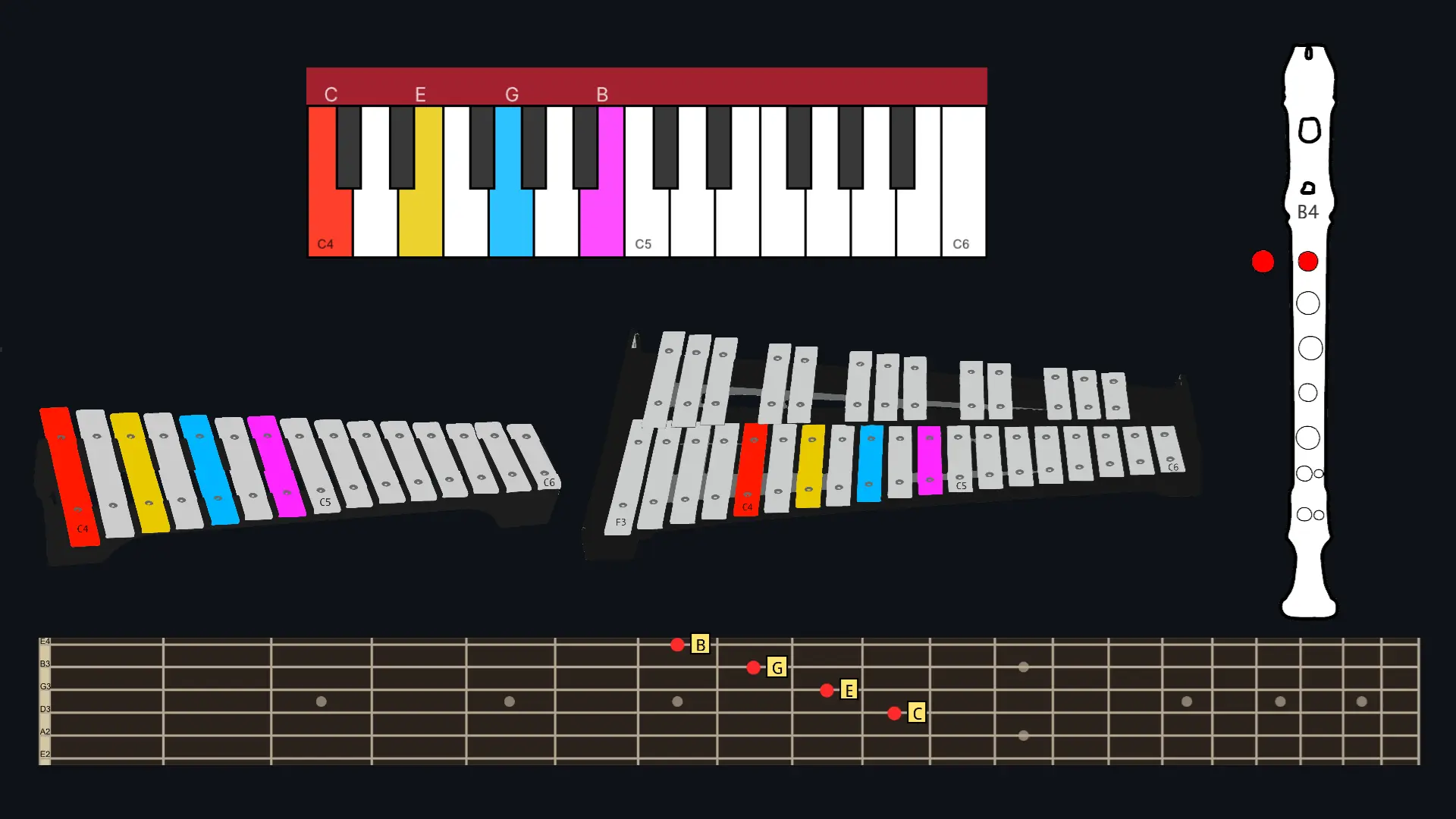
Instrument Visualizations
Visualize MIDI input in real time with the Piano, Harpsichord, Fretboard, Xylophone and Recorder widgets. Customize note colors by pitch, degree, dynamics or harmonic function.
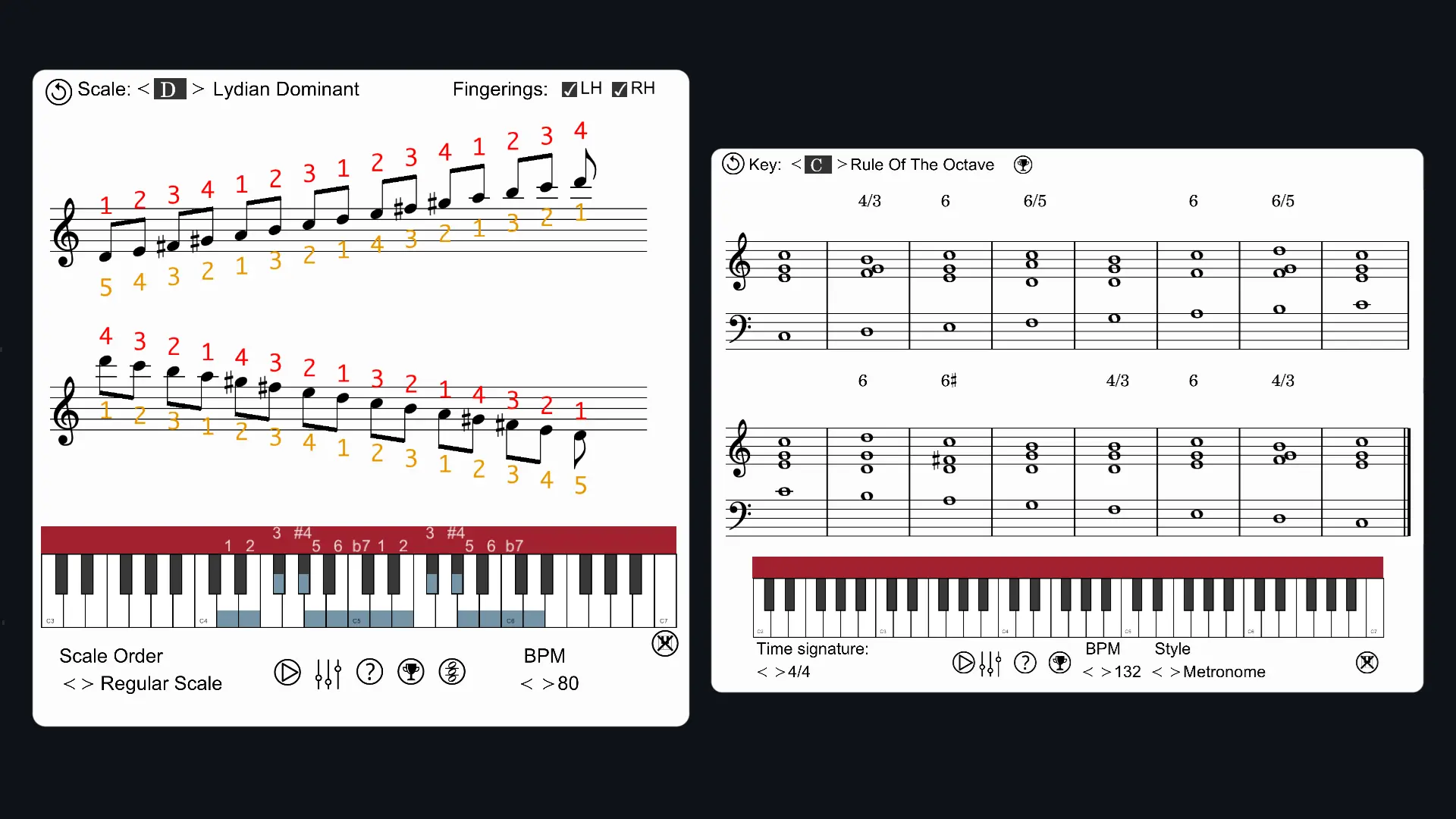
Guided Practice
Practice intervals, scales, voicings and chord progressions with accompaniment and built-in progress tracking.
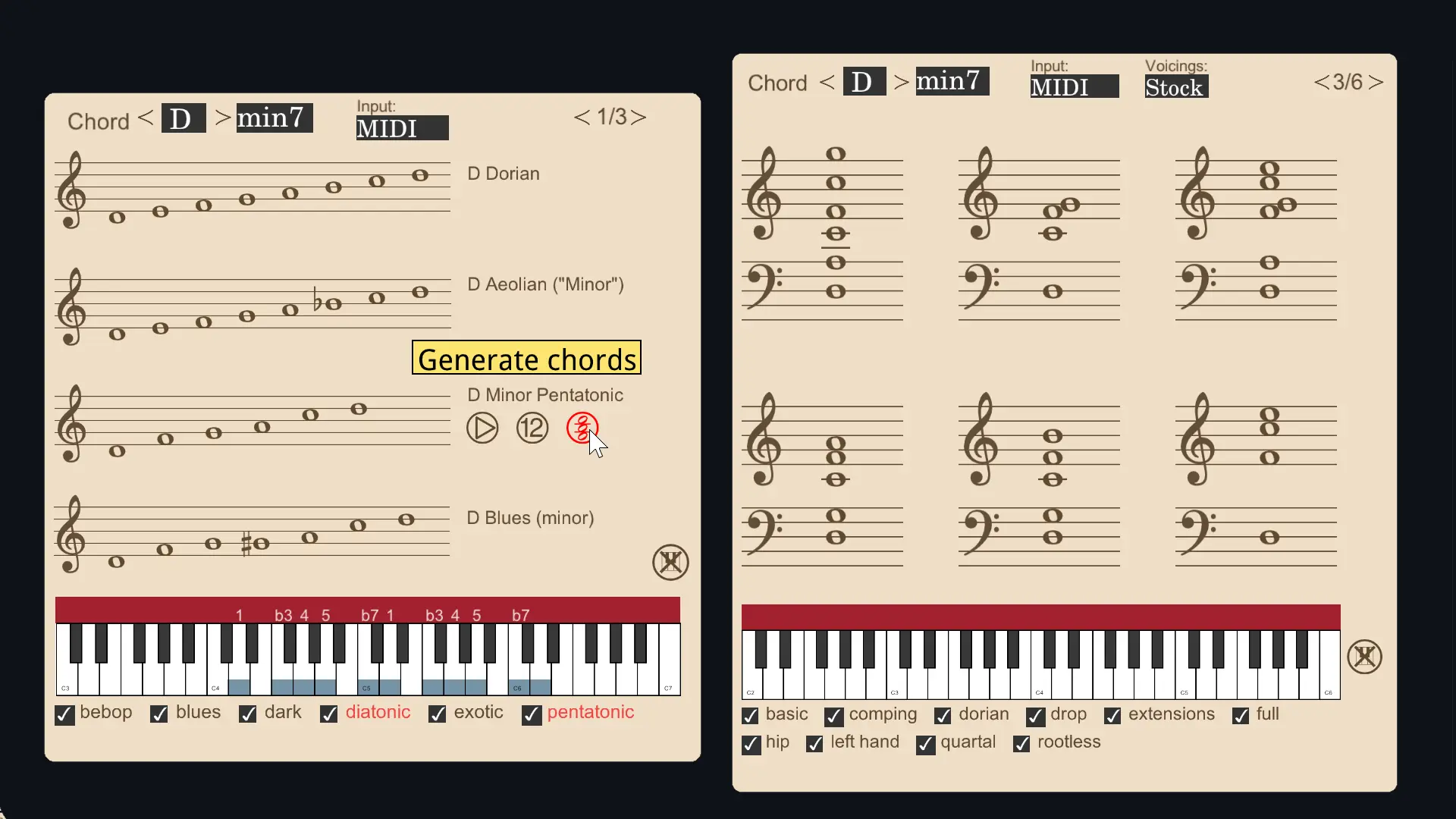
Harmony Tools
Explore jazz voicings, chord-scale relationships, and interactive training tools for classical and jazz harmony.
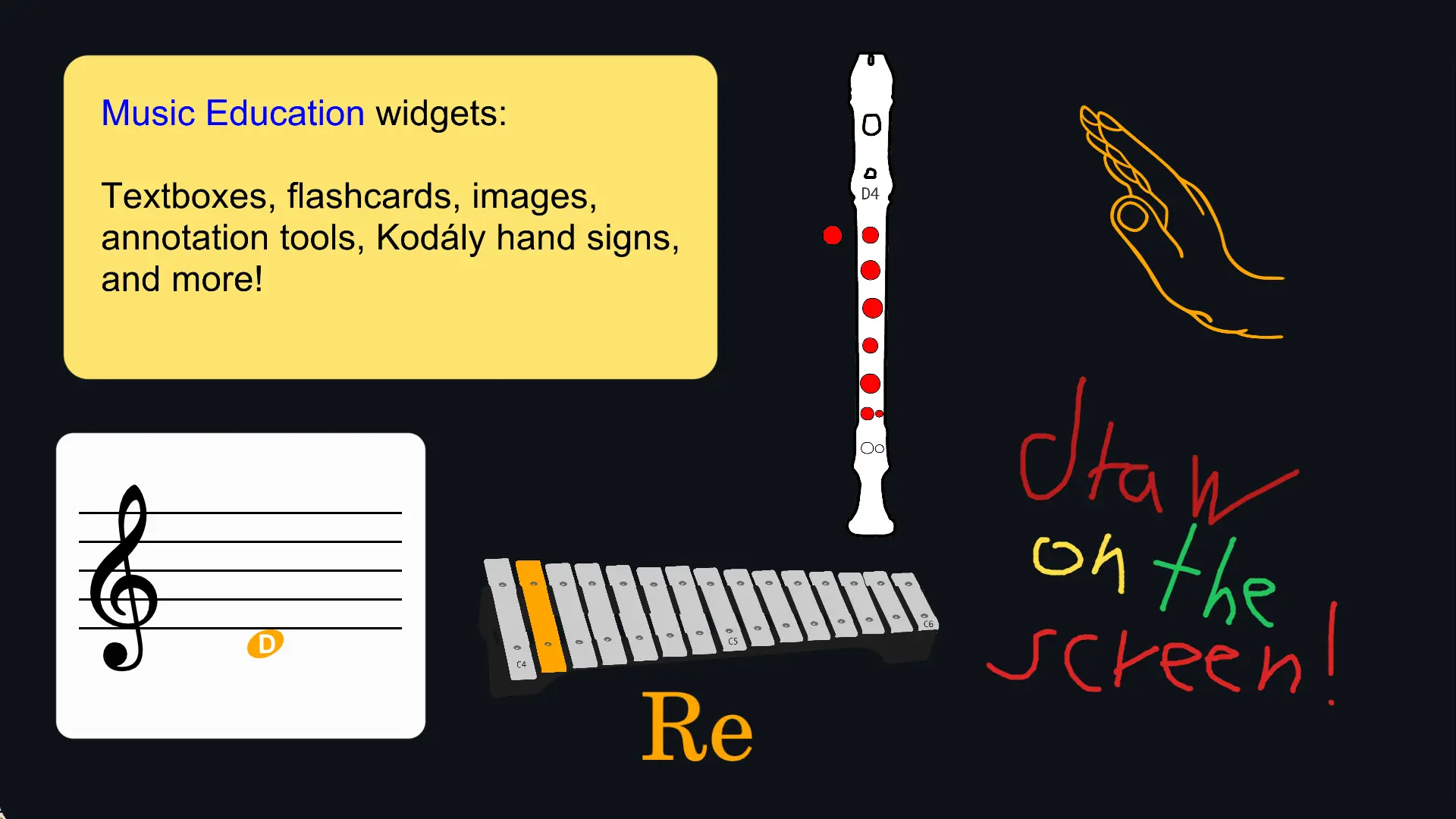
Music Education
Teach visually using Kodály hand signs, flashcards, drawing tools and other classroom-ready presentation widgets.
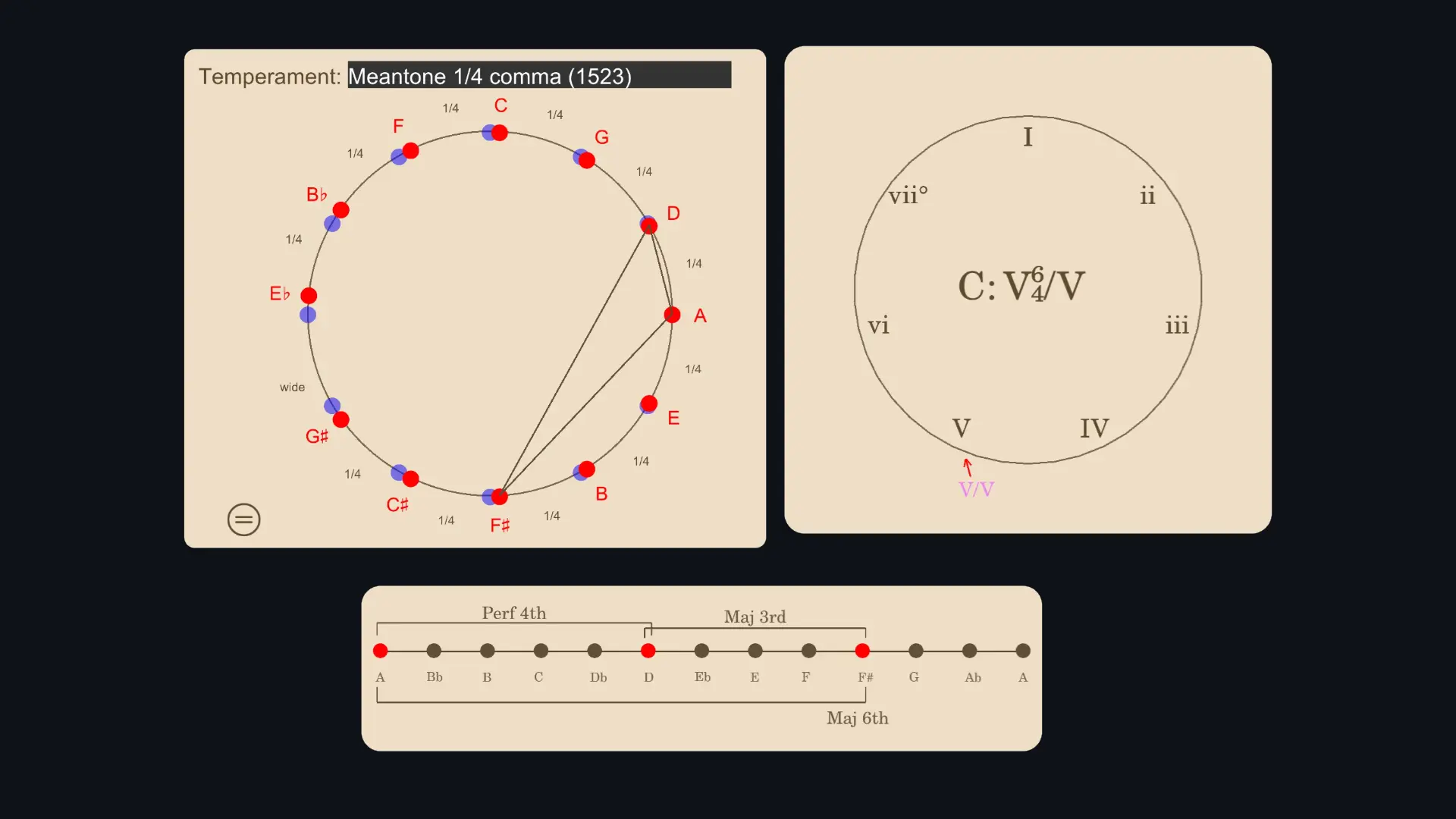
Music Theory Widgets
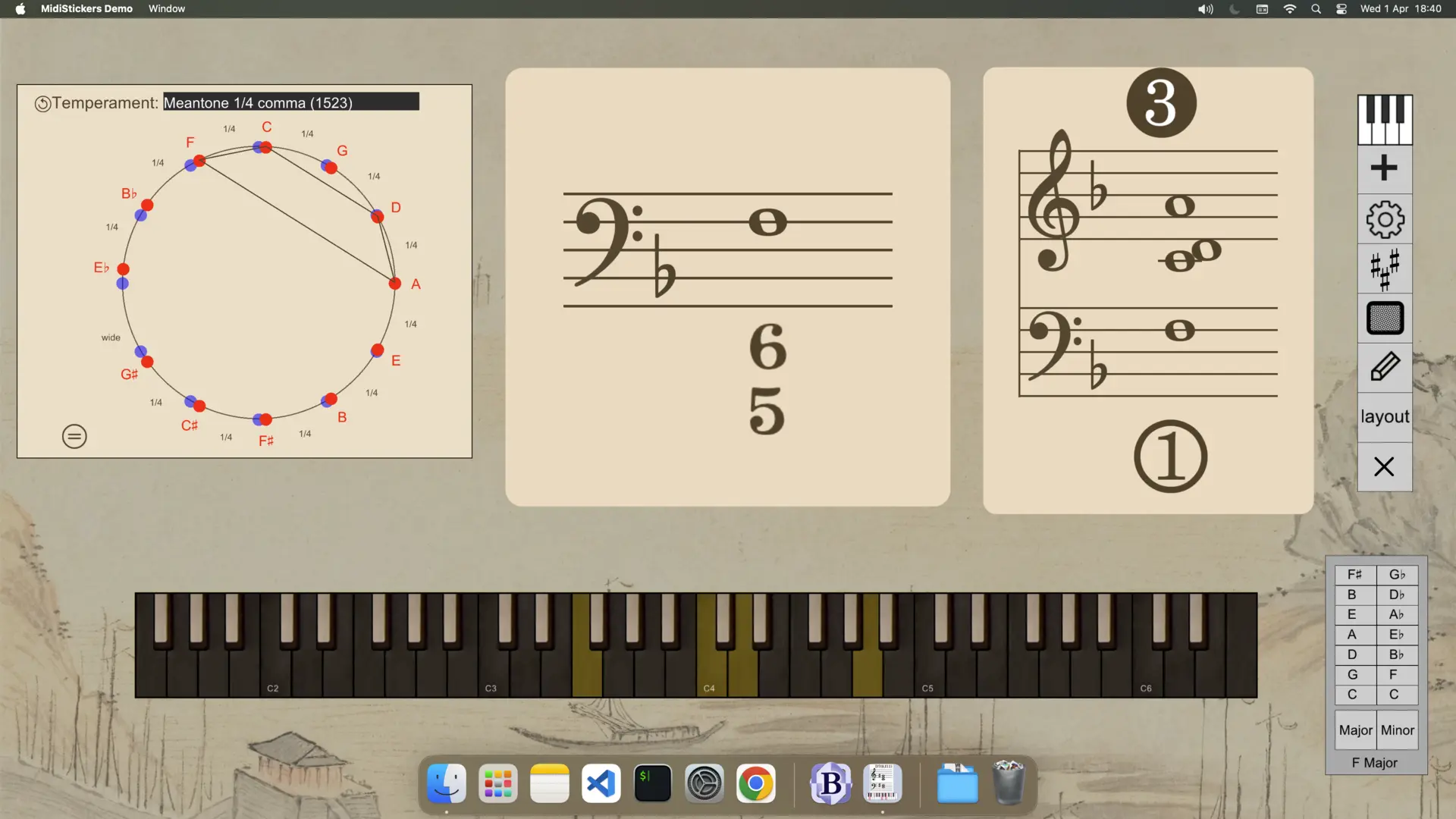
Visual tools for intervals, chord degrees, temperaments and core music theory concepts.
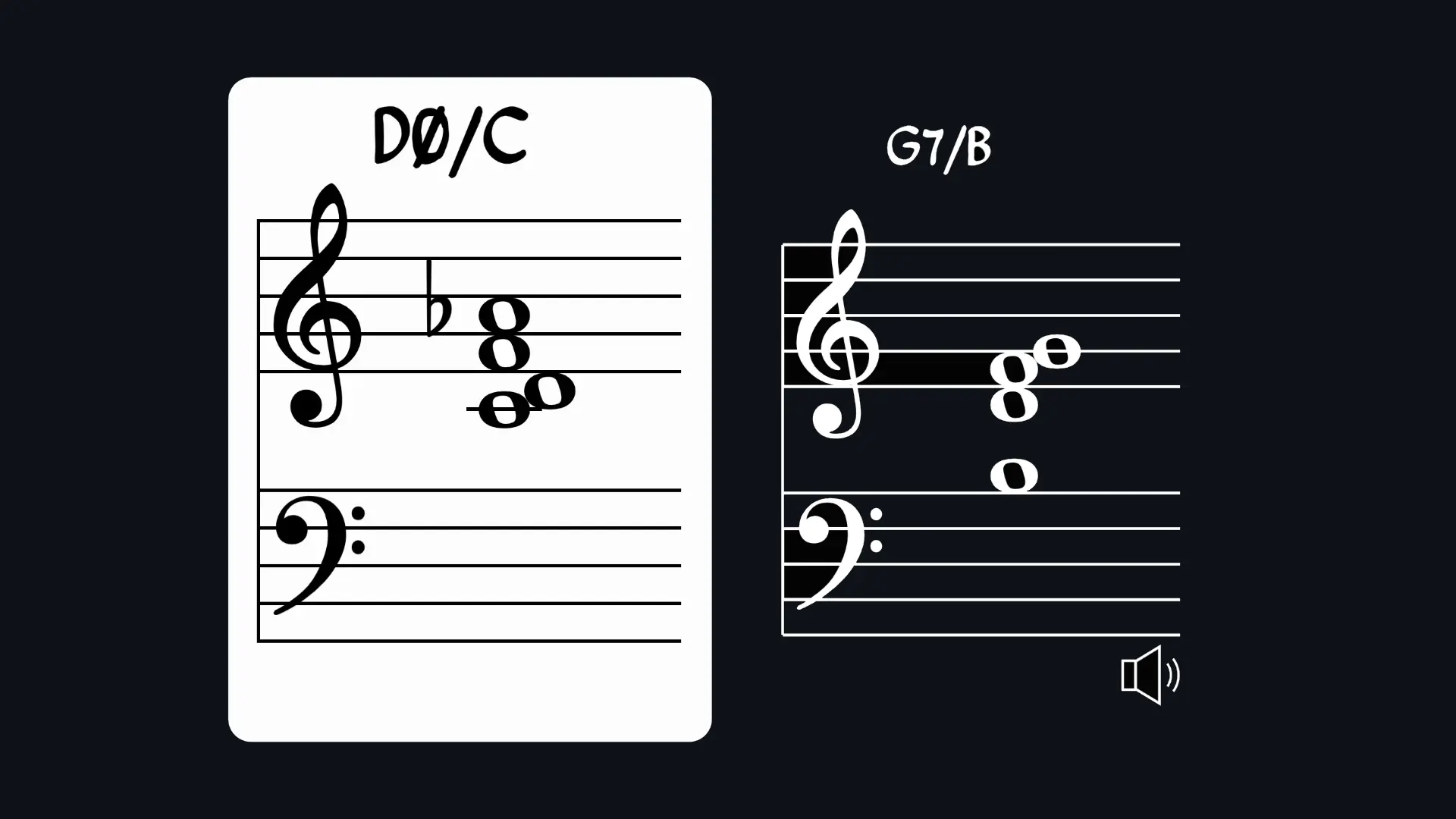
Negative Harmony
Turn your harmony upside down and explore symmetrical inversions in real time.
Want to learn more?
Watch the demonstration video!
Start the Free 7-Day Trial
Explore the software on your own.
Read "Introducing MidiStickers".
An overview of the core ideas behind MidiStickers.
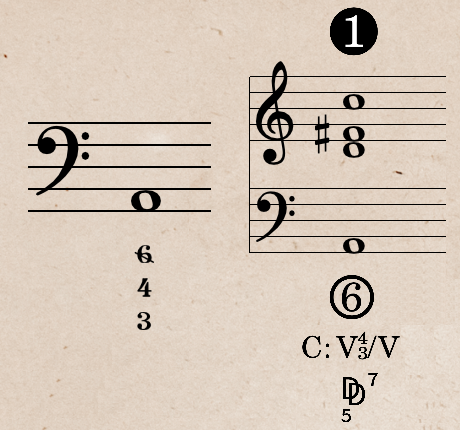
Pricing
MidiStickers Pro
Our flagship music app for aspiring and professional musicians.
- Real-time staff notation
- Chord Symbols, Roman Numerals, German Function Symbols
- 12 Keys Chord Trainers and Jazz Voicings
- Modes, Scales, Chords and Harmony Explorer
- Guided Practice: progressive exercises for keyboard harmony mastery
- Negative Harmony
- Figured Bass and Historical Temperaments
- On-screen annotation
Frequently Asked Questions
Check out the User Guide and YouTube channel for more information.
What is MidiStickers?
MidiStickers is a desktop app (Windows and Mac) for learning harmony and music theory. It features interactive practice and visualization tools for MIDI instruments. All tools can be used as detachable widgets - making it ideal for both classroom teaching and self-study. Available for Windows and macOS.
Who is MidiStickers for?
MidiStickers is built for music students and teachers at all levels - from beginners reading their first notes to advanced players exploring classical and jazz harmony or figured bass. The tools adapt to your level: hide note names as your reading improves, simplify chord symbols, or use colors to better visualize dynamics and harmony.
How does MidiStickers help me learn music theory?
The visualization tools covers intervals, scales and chord analysis in real time. The Lessons & Exercises module offers structured learning paths for intervals, scales, chords and progressions with textual lessons and hands-on exercises organized as an interactive keyboard harmony workbook.
What sets MidiStickers apart from other music theory software?
Most music theory apps cover scales, chords and intervals. MidiStickers goes further, with real-time analysis of Figured Bass, Roman Numerals, German Function Symbols - plus extensive databases of jazz voicings, chord-scale relationships and progressions, all responding live to your MIDI input. Every tool follows established textbook conventions, which is why MidiStickers is trusted by university music teachers across multiple countries, and can be integrated with any software using our exclusive widget and overlay system.
Do I need a MIDI Controller?
A MIDI controller is required for the best experience, but the Virtual Piano and Fretboard widget lets you use your computer keyboard as input. MidiStickers can generate sounds for your controller using the built-in synthetizer, or you can route MIDI to your DAW or VSTi.
How does licensing work? Can I use the same license on different devices?
MidiStickers Pro is a one-time purchase, no subscriptions or renewals. You can install it on multiple devices, but only one can be active at a time. To switch devices, access the User Area.
Is Windows on ARM supported (such as in Microsoft Surface and other Snapdragon devices)?
A native ARM version of MidiStickers Pro is in development, but we don't have a release date yet. In the meantime, MidiStickers runs on ARM devices through Windows' built-in Prism emulation, however emulation mode must be set to Safe in Windows software compatibility settings.
Can I use MidiStickers for Zoom lessons or screen recording?
Yes! Just use Overlay mode (detachable widgets) and share or capture your screen, no complicated setup needed. MidiStickers is designed to support a wide range of teaching scenarios, with customizable colors and visual styles.
Is there a version for schools or music labs?
We are working on MidiStickers Studio for small studios and individual teachers. A Lab version with cloud services and dashboard management is still in early planning. Join the waitlist to stay updated.