Lessons & Interactive Exercises
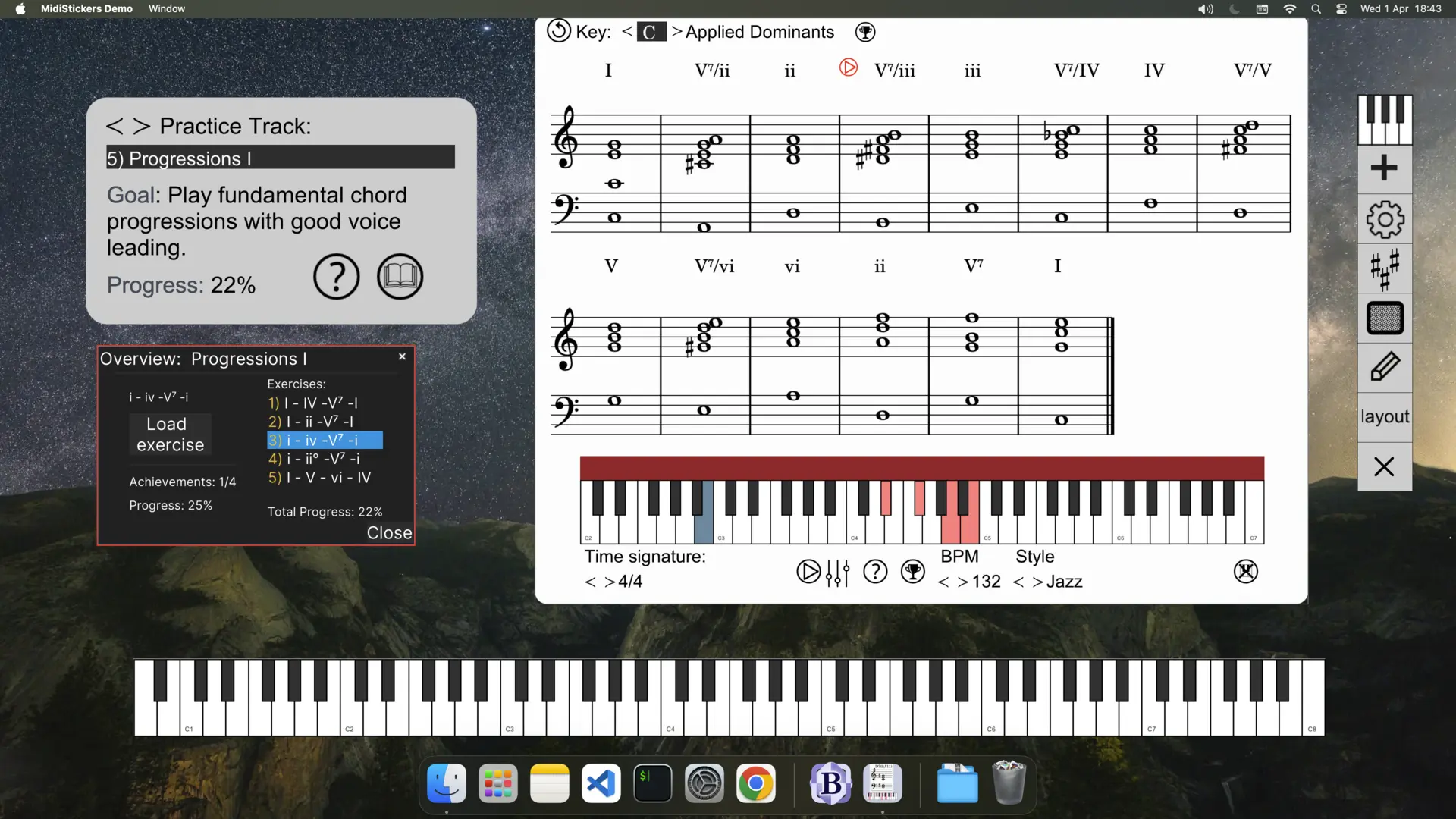
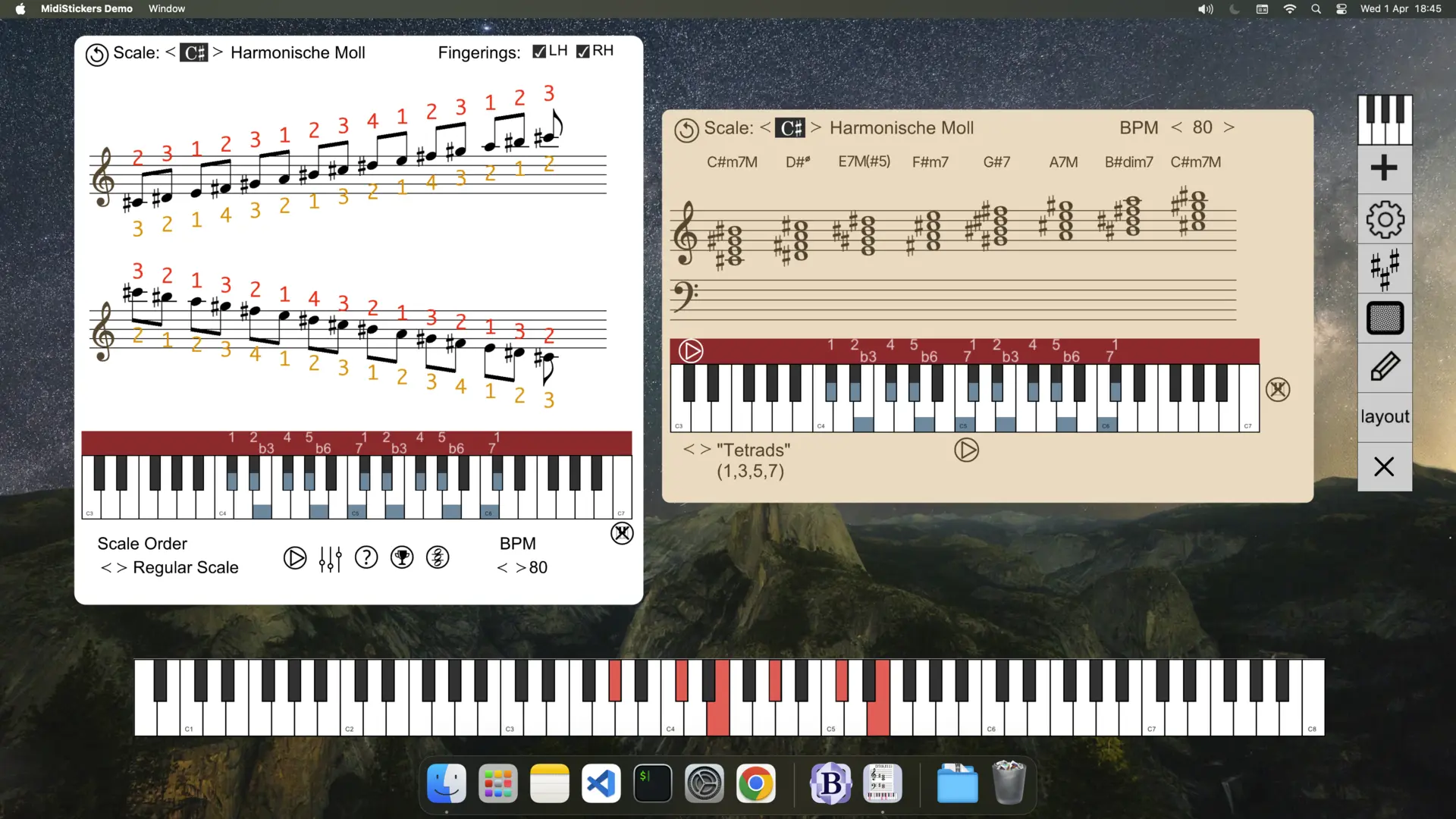
Learn music theory and harmony directly from the keyboard using MidiStickers' Lessons & Exercises, a progressive and structured learning path featuring lessons and interactive exercises on intervals, chords, scales and harmonic progressions.
Combined with MidiStickers' powerful visualization tools, these exercises provide a unique hands-on learning experience covering core music theory concepts as well as more advanced topics.
Demonstration
Pricing
MidiStickers Pro
Our flagship music app for aspiring and professional musicians.
- View Chord Symbols, Roman Numerals, Function Symbols and Notes on the staff
- Modes, Scales, Chords and Harmony Explorer
- Guided Practice: progressive exercises for keyboard harmony mastery: intervals, scales, chords, progressions
Guided Practice FAQ
Check out the User Guide and YouTube channel for more information.
What is the Lessons & Exercises module?
The Lessons & Exercises is a special learning mode in MidiStickers Pro providing a carefully curated series of lessons and interactive exercises, with progress tracking, real-time feedback and auto-accompaniment generated on the spot. Topics are presented in a structured sequence, and each exercise is designed to be concise, engaging, and varied enough to promote long-term retention.
Do I need an accompanying textbook to understand those exercises?
The Lessons & Exercises module includes a series of short Lessons that introduce each topic before the corresponding exercises. These lessons were carefully written and reviewed by experts for maximum clarity and conciseness. While the material is designed to be self-contained, users seeking a deeper understanding may benefit from studying alongside traditional textbooks.
Are all exercises included in my purchase or do I need additional subscriptions or payments?
Yes. All lessons and exercises are included with your MidiStickers Pro perpetual license for individual users. We believe music education should be both accessible and cost-effective, and we plan to continue expanding the library with new content at no additional cost for individual users.
How many exercises are in Lessons & Exercises ?
Guided Practice includes about 150 exercises, selected from a library of more than 300 training exercises available in MidiStickers Pro.
Can the Lessons & Exercises be used in School / Lab settings, tracking the progress of multiple students?
MidiStickers Pro is designed primarily for individual users and does not yet provide centralized progress tracking for multiple students. We are developing MidiStickers Studio / Lab, multi-user versions tailored for schools, universities, and keyboard laboratories.
What topics are covered? How many exercises are included?
Exercises and lessons are currently grouped in the following topics: Sight Reading, Intervals, Scales, Triads, Seventh Chords, Diatonic Progressions, Extended Chords, Circle of Fifth Progressions, Major Scale Modes, Altered Dominants, Melodic Minor Modes, Drop 2 Voicings, Tweaked Drop 2 Voicings, Partimento schemas. Besides those topics, you'll also find dozens of other complementary exercises in the various trainers included in the software.
Do I need a MIDI Controller?
Yes, the module is built around hands-on musical activities and requires a MIDI keyboard. For the best experience, we recommend a keyboard with at least 49 keys (4 octaves), which provides sufficient range for most chord, scale, and progression exercises.
Can I use a MIDI Guitar for the exercises?
Not at this time. The exercises are specifically designed around keyboard technique and layout. While MIDI guitars may work with some MidiStickers features, we do not currently offer guitar-specific Guided Practice exercises.
How does licensing work? Can I use the same license on different devices?
MidiStickers Pro is a one-time purchase, no subscriptions or renewals. You can install it on multiple devices, but only one can be active at a time. To switch devices, access the User Area.